

What is VisionAI?
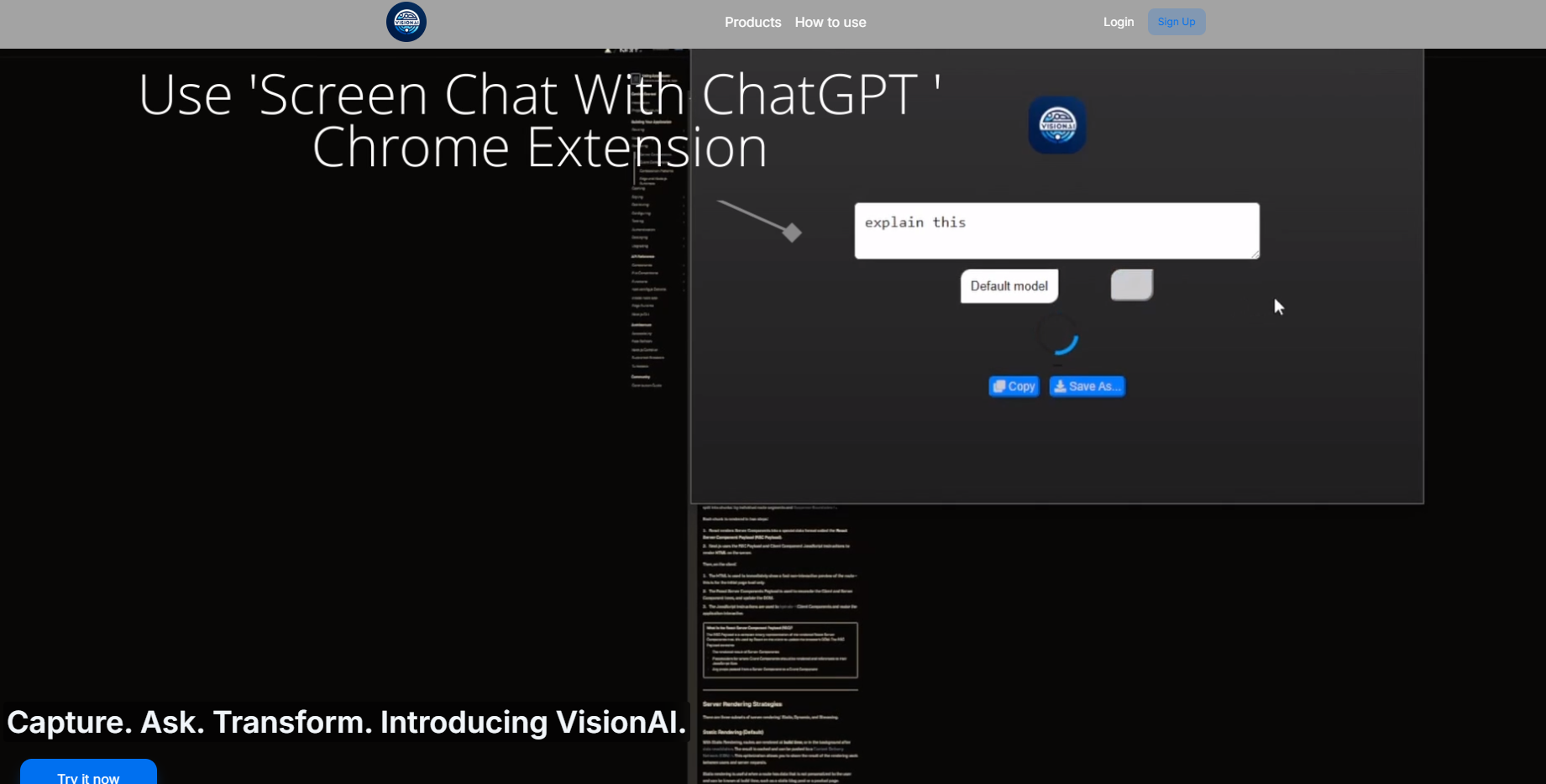
VisionAI revolutionizes visual communication by empowering users to instantly capture, analyze, and share their screen data with AI-backed insights. This innovative Chrome extension bridges the gap between complex visuals and clear understanding, turning each screenshot into an actionable conversation. Whether for work, education, or personal undertakings, VisionAI ensures that your visual messages are not only seen but deeply comprehended, thanks to its intelligent GPT-enhanced responses.
Key Features:
Real-time AI Analysis:Instantly receive sophisticated GPT responses, enhancing workflow efficiency for professionals and students alike.
One-Click Screen Capture:Effortlessly capture any screen section with a single click and immediately generate insights, saving valuable time.
User-Friendly Design:Intuitive interface suitable for all user types, from beginners to experts, streamlining the process of obtaining and sharing insights.
Versatile Application:Ideal for various roles, including professionals, students, and researchers seeking intelligent feedback on visual data.
Subscription Flexibility:Offers three plans with different limits, catering to diverse needs and budgets.
Use Cases:
A graphic designer finds an intriguing design pattern online and uses VisionAI to instantly analyze the color palette and its usage in branding.
A student struggling with complex calculus graphs captures the screen, sends the image to VisionAI, and receives a step-by-step explanation.
An IT specialist captures error messages from an application log, allowing VisionAI to decipher the technical jargon and recommend troubleshooting steps.
Conclusion:
VisionAI transforms every screenshot into a powerful communication tool, ensuring that visual information is accessible and easily interpretable. Experience the blend of AI intelligence with human creativity by signing up today and exploring the premium features tailored to fit your needs perfectly.
FAQs:
Q: How does VisionAI help with visual understanding?A: VisionAI uses advanced GPT analysis to dissect screen captures, enhancing comprehension and facilitating communication across various fields.
Q: Can VisionAI be used for educational purposes?A: Absolutely! VisionAI is a valuable resource for students and educators, offering quick explanations and responses to visual educational material.
Q: What are the subscription limits for messages in VisionAI?A: VisionAI offers three plans: Premium (100 messages), Plus (50 messages), and Premium Plus (300 messages), all designed to suit your specific communication needs.
More information on VisionAI
Launched
2024-05
Pricing Model
Free Trial
Starting Price
Global Rank
Follow
Month Visit
<5k
Tech used
Next.js,Gzip,Webpack,Cowboy
VisionAI was manually vetted by our editorial team and was first featured on 2024-08-23.
Related Searches
VisionAI Alternatives
Load more Alternatives-

-

Get instant AI homework & quiz answers directly on your LMS. Solves math, diagrams, & graphs with AI. Stay discreet. Save time & ace exams!
-

-
CreateVision AI: Free AI image generation & editing. Transform concepts into pro visuals with smart prompts, multi-engine speed & unique tools.
-

Create Your VisionBoard - vivid image of your future. Create bright realistic AI-generated images of you in your dreams from your photo + text in seconds. Not limited by templates - type your own dream. Includes AI Life coach to plan and manifest your dreams.