

Click outside to close
What is Voice Out?
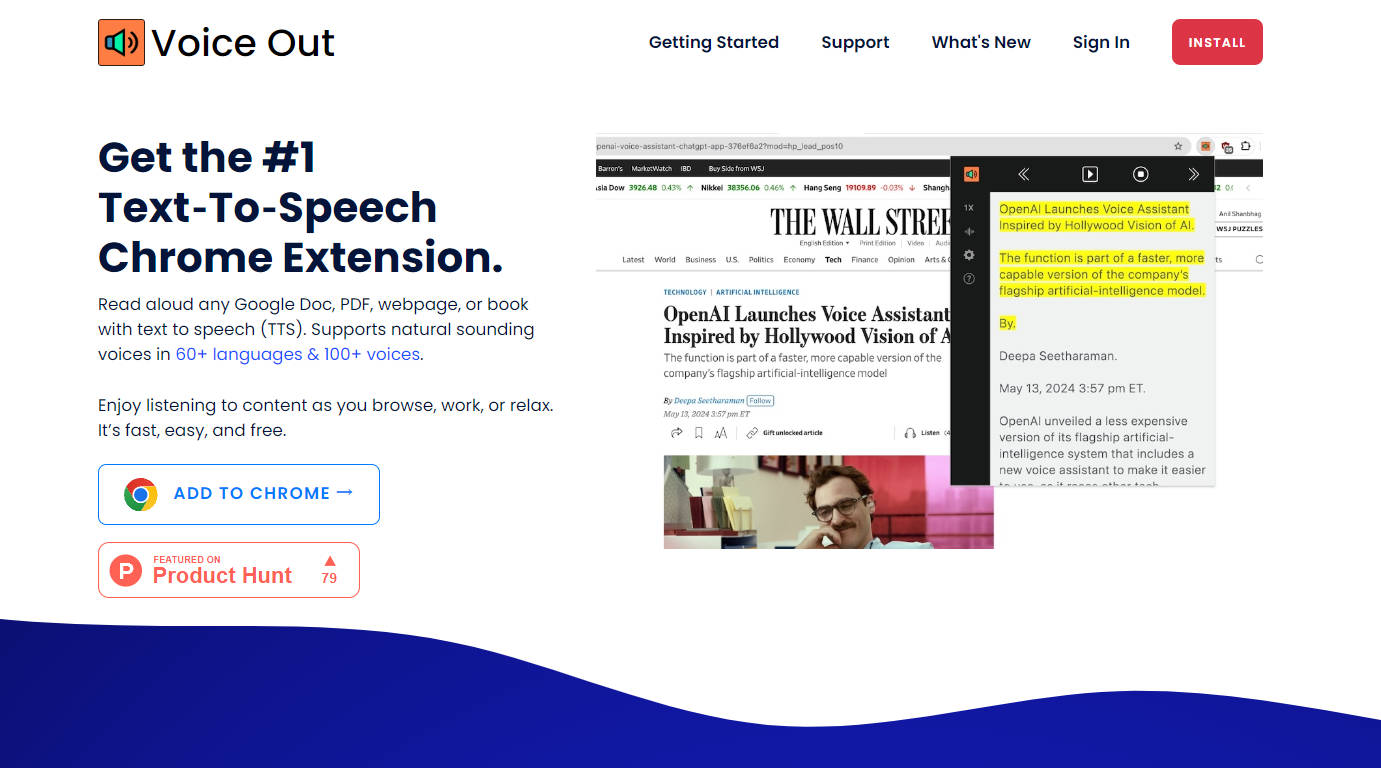
Voice Out, the premier text-to-speech Chrome extension. This state-of-the-art tool supports 60+ languages, lets you read PDFs, webpages, Google Docs, and books out loud with natural-sounding voices, and is designed to protect your privacy. Listen to content as you browse, work, or relax, and take advantage of advanced features like background listening, highlighting, and pitch adjustment. With Voice Out, you can read three times faster and enjoy seamless integration across all websites.
Key Features:
Universal Text Reading: Voice Out supports a wide range of content types, including webpages, Google Docs, PDFs, and ebooks, enabled by AI-powered text-to-speech technology.
Advanced Functionality: Gain access to features such as background listening, text highlighting, pausing, skipping, and pitch adjustment, enhancing your reading experience.
Natural Voices: Choose from 60+ languages and 100+ voices for natural and engaging content playback.
Fast Reading: Boost reading speed by three times with the speed control feature.
Ethical Design: Enjoy a privacy-preserving extension that respects user data and needs only minimal permissions to function effectively.
Use Cases:
Learning Assistance: As a tool for second language learning, Voice Out aids comprehension through audio support for reading.
Editing Efficiency: Simplify and speed up the editing process by catching errors through hearing the text, a boon for writers and editors.
Multitasking Enhancement: Listen to content while doing chores, commuting, or during breaks, maximizing time usage for students, professionals, and enthusiasts.
Conclusion:
Voice Out is not just an extension; it's your partner in accessible and efficient reading. With its advanced features, vast language support, and commitment to privacy, Voice Out transforms the way you engage with digital text, making learning, work, and leisure more immersive and enjoyable. Ready to transform your reading experience? Start today with Voice Out for a faster, smarter, and more ethical text-to-speech solution.
FAQs:
Q: What types of content can I read aloud with Voice Out?
A: Voice Out supports various types of digital content including webpages, Google Docs, PDF files, ebooks, and even emails, across multiple websites.
Q: Can I tailor the reading speed and voice pitch?
A: Yes, Voice Out offers speed control and pitch adjustment features to customize your listening experience.
Q: Is Voice Out secure to use?
A: Absolutely. Voice Out operates with minimal permissions, ensuring your privacy without tracking or selling your data.
More information on Voice Out
Top 5 Countries
28.37%
5.18%
3.97%
3.94%
3.89%
United States (28.37%)
Vietnam (5.18%)
Brazil (3.97%)
India (3.94%)
Germany (3.89%)
Traffic Sources
11.15%
6.66%
35.41%
45.83%
social (11.15%)
paidReferrals (0.68%)
mail (0.14%)
referrals (6.66%)
search (35.41%)
direct (45.83%)
Source: Similarweb (Sep 24, 2025)
Voice Out was manually vetted by our editorial team and was first featured on 2024-07-27.
Voice Out Alternatives
Voice Out Alternatives-

Outtloud uses advanced AI technology to convert documents (like PDFs and EPUBs) and web content into lifelike audio. It features natural-sounding AI voices in multiple languages, accents, and tones. You can upload files directly or use its web search feature to listen to audio summaries of articles, blogs, and news, even creating AI-powered podcasts from the content.
-

Readvox, a Chrome extension with AI TTS. Convert web text to natural audio. Listen to articles, docs & more. Customizable. Boost productivity & comprehension.
-

Transform any text into podcast-quality audio. Audioread's AI voices sound like narrators. Listen to articles, PDFs & emails in any podcast app.
-

Speech Central is the ultimate text-to-speech app, transforming any text into clear, natural-sounding speech. Listen to articles, eBooks, PDFs, web pages, and documents effortlessly—perfect for productivity, accessibility, and multitasking.
-

VoiceWave adds voice chat & read-aloud to ChatGPT & AI chatbots. Enjoy hands-free interaction, plus universal voice typing for any website.