

What is Zerox?
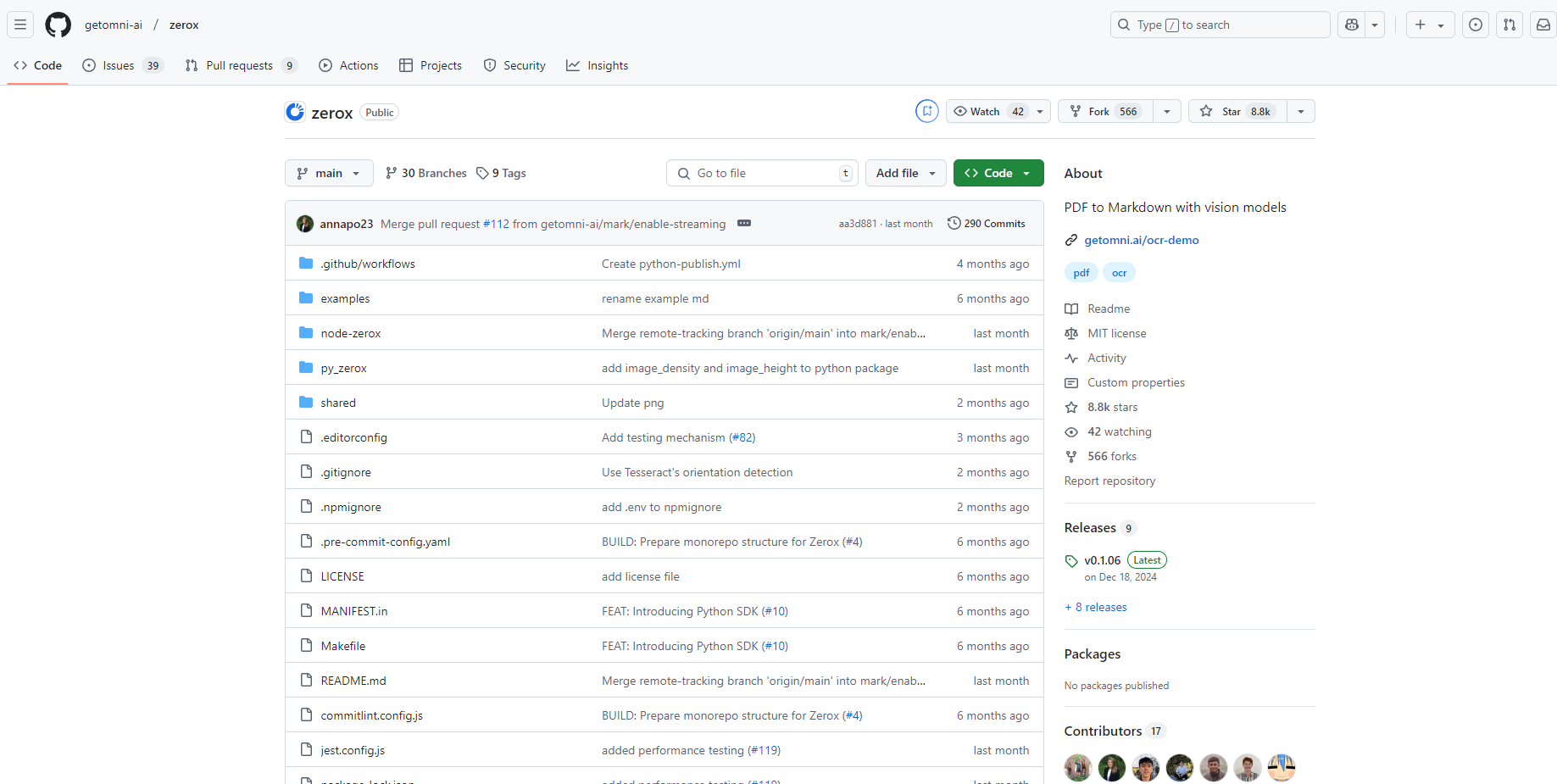
Zerox is an open-source, local OCR tool that delivers high-accuracy text extraction without the need for pre-training. Built on the GPT-4o-mini model, Zerox excels at handling scanned documents, PDFs, and complex layouts—like tables and charts—with ease. Whether you're managing business documents, conducting academic research, or working in legal or financial sectors, Zerox simplifies document processing and boosts efficiency.
Key Features
✨ Zero-Shot OCR Recognition
No training required! Zerox can accurately extract text from any document type without needing user-provided samples, saving you time and effort.
📄 Multi-Format Support
Works seamlessly with PDFs, DOCX files, and images, especially excelling at processing scanned documents.
🔍 Complex Layout Handling
Effortlessly extracts text from documents with intricate layouts, including tables, charts, and multi-column designs, ensuring comprehensive and accurate results.
📝 Markdown Format Output
Converts OCR results into Markdown, making it easy to edit, organize, and maintain the visual and structural integrity of your documents.
⚙️ API Integration
Offers an API for developers to integrate Zerox into applications, enabling automated, batch document processing for enhanced workflow efficiency.
How Zerox Works
File Conversion
Zerox first converts your PDFs, DOCX files, or images into a series of images, preparing them for OCR processing.Text Recognition
Using the GPT-4o-mini model, Zerox analyzes and extracts text from these images, even understanding complex layouts and formats.Result Compilation
The extracted text is converted into Markdown format, with all pages combined into a single, structured document ready for use.
Use Cases
🏢 Enterprise Document Management
Quickly process and organize large volumes of PDFs and scanned documents, improving office efficiency and simplifying information retrieval.
🎓 Academic Research
Efficiently extract text from research papers and literature, making it easier to organize, cite, and analyze data.
⚖️ Legal and Financial Sectors
Accurately extract critical information from contracts, reports, and other complex documents, aiding in contract review, report generation, and risk assessment.
📚 Education
Help teachers create teaching materials and assist students in organizing study notes, enhancing both teaching and learning experiences.
✍️ Content Creation
Convert documents into Markdown format for easy editing and publishing, streamlining workflows for writers and editors.
Why Choose Zerox?
Open-Source Flexibility:Customize and integrate Zerox into your workflows with full control over your data.
High Accuracy:Leverage the power of GPT-4o-mini for precise text extraction, even from challenging layouts.
Time-Saving:Skip the training phase and start extracting text immediately.
Developer-Friendly:API support makes it easy to automate and scale document processing.
Get Started with Zerox
GitHub Repository:https://github.com/getomni-ai/zerox
Online Demo:https://getomni.ai/ocr-demo
Whether you're a developer, researcher, or business professional, Zerox is your go-to tool for efficient, accurate, and hassle-free document processing. Try it today and experience the difference!
More information on Zerox
Launched
Pricing Model
Free
Starting Price
Global Rank
Follow
Month Visit
<5k
Tech used
Zerox was manually vetted by our editorial team and was first featured on 2025-01-22.
Related Searches
Zerox Alternatives
Load more Alternatives-

-
-

-

-
docAnalyzer.ai: Powerful AI for documents. Chat, automate, extract, & summarize files with unmatched contextual understanding & diverse AI models. Boost efficiency.