
What is Agor?
Agor introduces the next generation of collaborative AI coding workflows. It is a spatial, multiplayer workspace designed to orchestrate and coordinate multiple leading AI coding agents—such as Claude Code, Codex, and Gemini—simultaneously. By treating complex agentic work like a real-time strategy game on a visual canvas, Agor eliminates the challenges of context switching, resolves environment conflicts, and provides engineering teams with unprecedented, real-time visibility into parallel development tasks.
Agor transforms scattered AI prompts into a structured, collaborative, and highly efficient development pipeline.
Key Features
Agor is built on the principle of coordination and simultaneous execution, providing the organizational structure necessary to maximize the output of multiple AI agents and human collaborators.
🧩 Agent Swarm Control
Run as many AI coding sessions (Claude Code, Codex, Gemini) as your project demands, entirely simultaneously. Agents within Agor can coordinate and supervise one another through the internal Agor MCP (Multi-Agent Control Protocol) service. This capability, combined with a built-in scheduler, allows you to trigger complex, templated prompts on a predefined cadence, moving beyond linear, single-agent interactions.
🌐 Real-Time Multiplayer Spatial Canvas
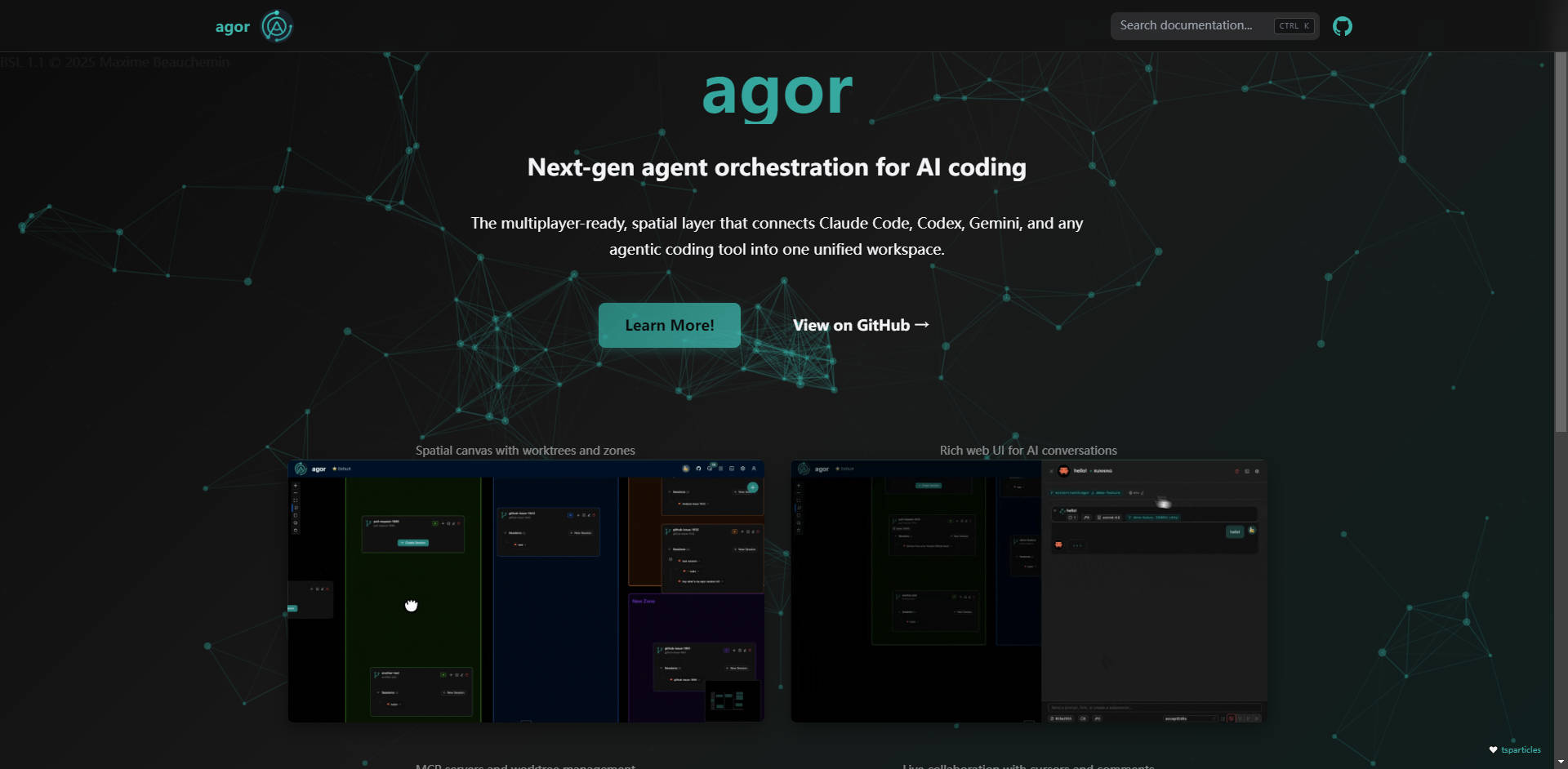
Organize your entire development workflow on a visual, 2D board, much like a design tool such as Figma. This spatial layout allows you to organize AI coding sessions, worktrees, and notes across distinct boards. Collaboration is live and immediate: WebSocket-powered cursor broadcasting, facepiles, and scoped comments/reactions pinned directly to specific zones or worktrees ensure your entire team remains aligned and engaged in real-time.
🌳 Isolated Development Environments
Solve the perennial challenge of running multiple branches simultaneously. Each worktree in Agor receives its own isolated environment with auto-managed unique ports and dependencies. This eliminates conflicts when testing multiple features or bug fixes in parallel, allowing multiple agents (and team members) to work on different PRs without ever stepping on each other's local servers or database states.
⚙️ Zone Triggers — Workflow Automation Made Spatial
Define specific zones on your board that function as automated workflow stages. When a worktree is dropped into a zone, it triggers a templated prompt specific to that stage. This allows you to construct custom, kanban-style pipelines—such as Analyze → Develop → Review → Deploy—where AI agents automatically read linked GitHub issue/PR context and inject it into the prompt template for immediate, relevant action.
🌲 Session Trees — Fork, Spawn, Coordinate
Maintain clear lineage and control over complex agentic exploration. Agor allows you to fork existing AI sessions to explore alternative coding paths without losing the original conversation context. You can also spawn subsessions for focused, isolated subtasks that report their findings back to the parent session. This visual "session genealogy" provides crucial context for auditing and tracking the evolution of the AI’s solution.
Use Cases
Agor is designed to bring structure and efficiency to complex, parallel development tasks typically handled by agile engineering teams.
1. Accelerated Parallel PR Workflow
When managing several bug fixes and feature implementations concurrently, context switching is usually unavoidable. With Agor, you can create five separate worktrees, each linked to its corresponding GitHub issue or PR. Spawn dedicated AI sessions (e.g., one Claude, two Codex, two Gemini) for each worktree. By dropping them into an "Analysis" zone, agents automatically begin reviewing and proposing code changes simultaneously, all within isolated, conflict-free environments. Your team observes the progress live and pushes directly from the worktree branches when ready.
2. Visualizing and Delegating Agentic Work
Use the spatial canvas to visualize the team's entire sprint workload. Cluster related worktrees and sessions together, delegate ownership via comments, and use the real-time strategy view to monitor which agents or teammates are actively moving tasks through the workflow zones. This high-level oversight allows engineering managers to pivot resources or intervene precisely when an agent or session encounters a roadblock.
3. Structured Code Analysis and Review
Establish a "Review" zone linked to a templated prompt that performs deep, standardized analysis (e.g., "Deeply analyze this worktree for security vulnerabilities and adherence to style guide X"). As AI agents complete their development tasks, dropping the worktree into the Review zone instantly initiates a consistent audit, ensuring quality checks are automated and standardized before human review.
Conclusion
Agor transforms scattered AI prompts into coordinated, visible, and collaborative development projects. If your team struggles to manage parallel branches, multi-agent context, and environment conflicts, Agor offers the structured, real-time workspace you need to scale agentic productivity.
More information on Agor
Launched
Pricing Model
Free
Starting Price
Global Rank
Follow
Month Visit
<5k
Tech used
Agor was manually vetted by our editorial team and was first featured on 2025-11-07.
Agor Alternatives
Load more Alternatives-

Tired of juggling AI coding agents? Claude Squad unifies parallel tasks & isolates code with Git worktrees for seamless, conflict-free development.
-

-

-

-

Graph.plus: Build apps & games faster with AI. Explore ideas in parallel, iterate at lightning speed, and collaborate seamlessly on a visual canvas.