

What is Butterfish Shell?
Butterfish is an AI-powered shell that adds AI prompting to your command line interface. It allows you to ask contextual questions and get high-context AI help without the need for copy/pasting. You can use Butterfish Shell to execute commands, autocomplete shell commands, receive suggestions, and even engage in a conversation with the AI model.
Key Features:
- Integration with bash and zsh on MacOS and Linux.
- Start a prompt with a capital letter to send a ChatGPT prompt.
- Manage your shell history and interact with the AI model based on past questions/answers.
- Autosuggest commands based on your recent history.
- Customizable prompts for better control over language generation.
- Select from different OpenAI models (currently supports gpt-3.5-turbo and GPT-4).
- Goal Mode allows an agent to execute commands on its own to reach a goal.
- Transparent prompts show the raw requests/responses sent to the AI model.
Use Cases:
1. Getting assistance with command execution: Ask Butterfish for a command to perform specific tasks or troubleshoot failed commands.
2. Autocompletion of shell commands: Butterfish suggests relevant commands based on context and previous interactions.
3. Conversational interaction: Engage in conversations with ChatGPT within your terminal for various purposes, including getting pasta recipes or general chat queries.
4. Summarizing text files: Use Butterfish's file summarization feature by starting a command with "Summarize" followed by the file name you want summarized.
5. Managing embeddings of local files: Utilize Butterfish's utilities for managing embeddings of local files directly from the command line.
Note: The installation process requires Homebrew or Go install methods, along with obtaining an OpenAI API secret key for authentication purposes.
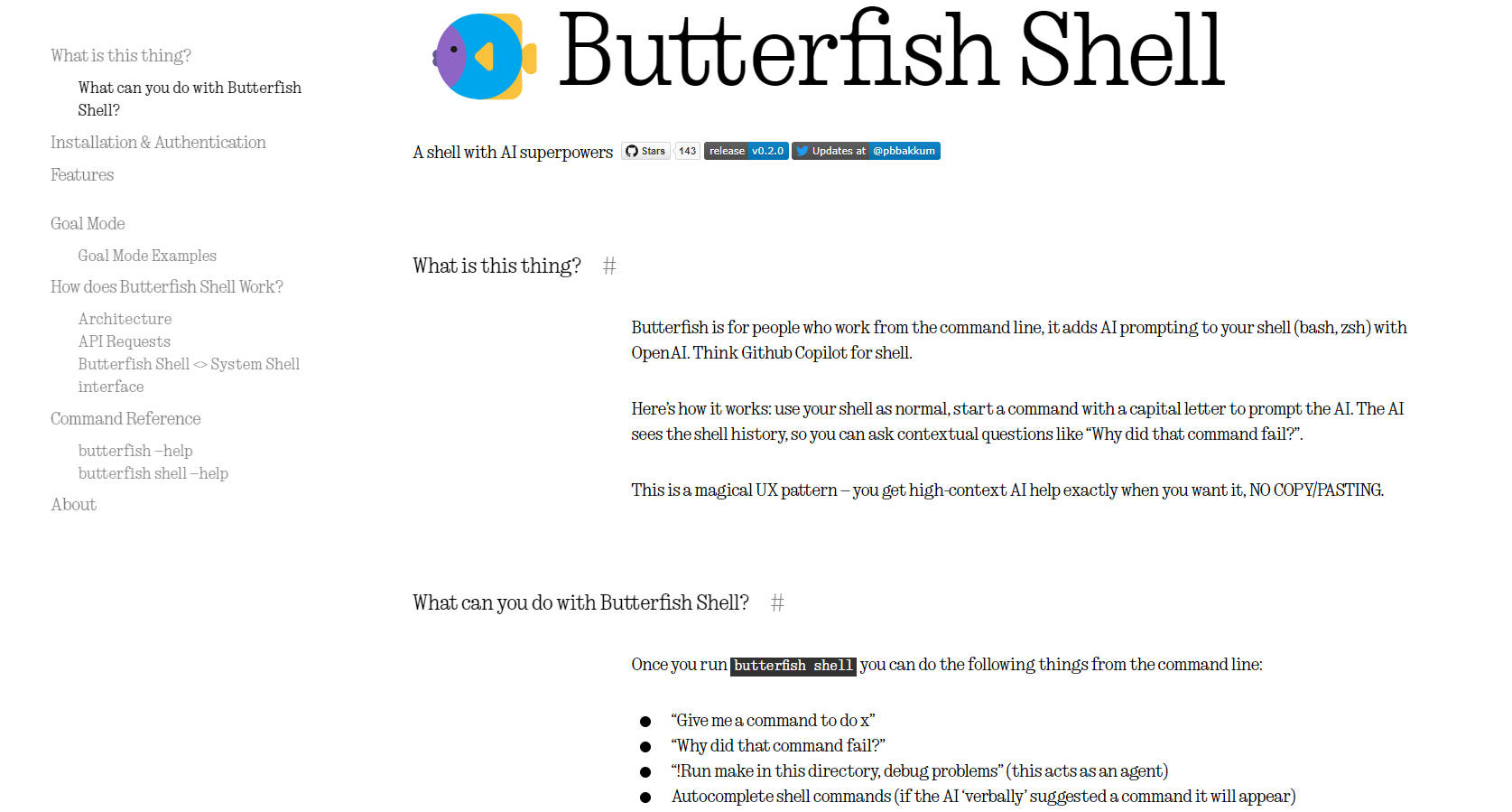
More information on Butterfish Shell
Top 5 Countries
34.89%
31.68%
19.94%
13.48%
Austria
United States
Czech Republic
Germany
Traffic Sources
3.99%
0.95%
0.15%
8.02%
64.94%
21.26%
social
paidReferrals
mail
referrals
search
direct
Source: Similarweb (Sep 24, 2025)
Butterfish Shell was manually vetted by our editorial team and was first featured on 2023-10-01.
Related Searches
Butterfish Shell Alternatives
Load more Alternatives-
Let's do useful things with LLMs from the command line, with a bent towards software engineering.
-
BashSenpai is a terminal assistant powered by ChatGPT that transforms instructions into ready-to-use commands.
-
-

-
