

What is Carousel?
You spend significant time building, refining, and analyzing complex spreadsheets and financial models in Excel. This detailed, often tedious work is crucial but can consume hours that you'd rather dedicate to strategic thinking, analysis, or client interaction. What if you could dramatically accelerate these tasks, transforming hours of work into mere minutes?
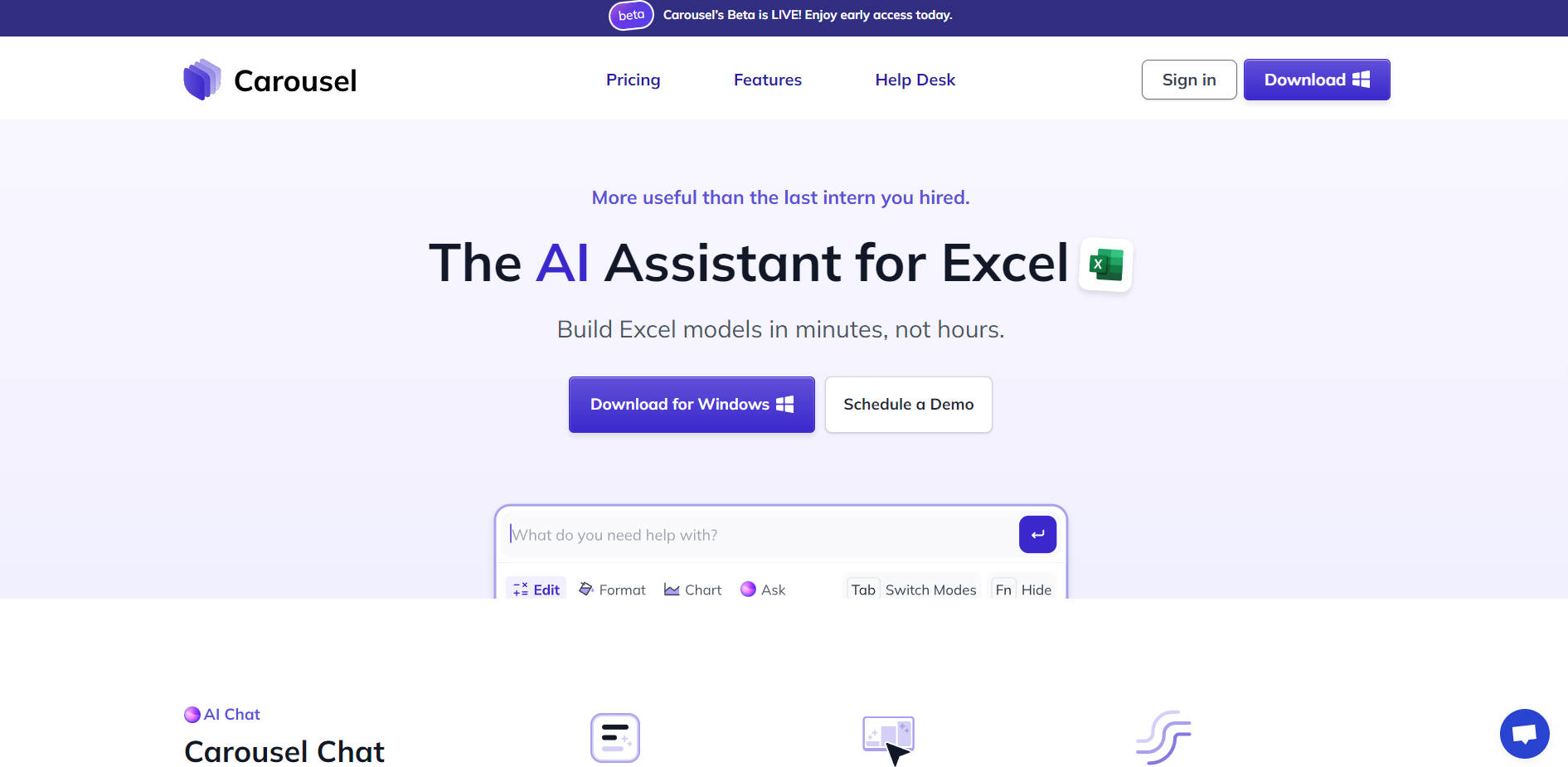
Carousel is the AI assistant designed specifically for Microsoft Excel users like you. It integrates directly into your workflow, providing intelligent capabilities to help you build models from scratch, instantly edit and format data, understand complex workbooks, and source external information with unprecedented speed and accuracy.
Key Features
💬 Build Models with Chat: Create complete financial models and spreadsheets from minimal instructions. Carousel Chat understands your intent, allows for "lazy prompts," and even references existing data by tagging charts or cell ranges directly in your conversation. You can even enable auto-continue to let Carousel build autonomously in the background.
⚡ Edit Instantly with Quick Fix: Select any cell range or chart and hit
Ctrl + Enterto quickly change or improve it. Describe the desired changes – rearrange content, adjust formatting, or modify charts – and Carousel executes with surgical precision, often cutting repetitive work down to seconds using your instruction history.🔍 Understand Workbooks with Model Walkthrough: Navigate and comprehend how calculations flow through any spreadsheet. Get detailed, step-by-step explanations for complex formulas and view insightful labels (like "2022 EBITDA") instead of meaningless cell addresses ("F41"). Easily trace precedents and dependents to grasp the logic behind any number.
📁 Integrate Data with File Context: Add external files to your chat to use them as source data. Carousel intelligently retrieves relevant information with minimal guidance and provides accurate citations directly in your spreadsheet using cell comments, ensuring transparency and traceability.
✨ Present Data Professionally: Go beyond just function. Use Format Mode to turn messy tables into beautifully arranged models and Chart Mode to transform data into insightful, ready-to-export charts, ensuring your outputs are both accurate and aesthetically professional.
Practical Use Cases
Rapid Financial Model Construction: Imagine needing to build a detailed operating model for a new venture or a complex valuation model under a tight deadline. Instead of spending hours manually setting up sheets, formulas, and structures, you can use Carousel Chat to describe the model's requirements. Carousel generates the foundational framework in minutes, allowing you to immediately dive into inputting assumptions and refining the analysis.
Streamlining Reporting & Updates: You've just received updated quarterly data and need to refresh several reports and presentations. Use Quick Fix (
Ctrl + Enter) on your existing tables and charts. Simply tell Carousel to update ranges, apply new formatting standards, or rearrange columns based on the latest requirements, completing tasks that used to take significant manual effort in moments.Auditing and Understanding Inherited Spreadsheets: You've been handed a large, multi-tab workbook built by someone else, filled with complex formulas and cross-references. Use Model Walkthrough to quickly trace the logic of key calculations, understand the purpose of different sections via insightful labels, and navigate the dependencies between cells, saving you hours of painstaking reverse-engineering and reducing the risk of errors.
Conclusion
Carousel is more than just an add-in; it's an intelligent partner that integrates seamlessly into your Excel workflow, designed to give you back your most valuable asset: time. By automating tedious tasks, providing instant insights, and accelerating model creation and refinement, Carousel empowers you to focus on higher-value analysis, strategic thinking, and client engagement. Experience how speed, accuracy, and intelligent assistance can elevate your productivity and confidence in Excel.
More information on Carousel
Launched
2024-05
Pricing Model
Paid
Starting Price
Global Rank
3159404
Follow
Month Visit
6.5K
Tech used
LinkedIn Insights,Next.js,Vercel,Gzip,OpenGraph,Webpack,Stripe,HSTS
Top 5 Countries
37.36%
35.47%
10.07%
9.68%
5.51%
United States
India
Pakistan
United Kingdom
Egypt
Traffic Sources
6.39%
1.16%
0.1%
7.49%
24.61%
60.04%
social
paidReferrals
mail
referrals
search
direct
Source: Similarweb (Sep 25, 2025)
Carousel was manually vetted by our editorial team and was first featured on 2025-05-16.
Carousel Alternatives
Load more Alternatives-
Shortcut AI automates Excel 10x faster with plain language. Generate formulas, charts & analysis instantly. Transform your data workflow.
-

Meet your AI agent for spreadsheets! Ideal for students and analysts. Build models, research, visualize data, attach external sources — all with a single prompt. Take control of your spreadsheet tasks.
-

-

-

Excelmatic: AI assistant for Excel. Automate tasks, get insights, & clean data with simple chat commands. Save time!