

What is XLlama?
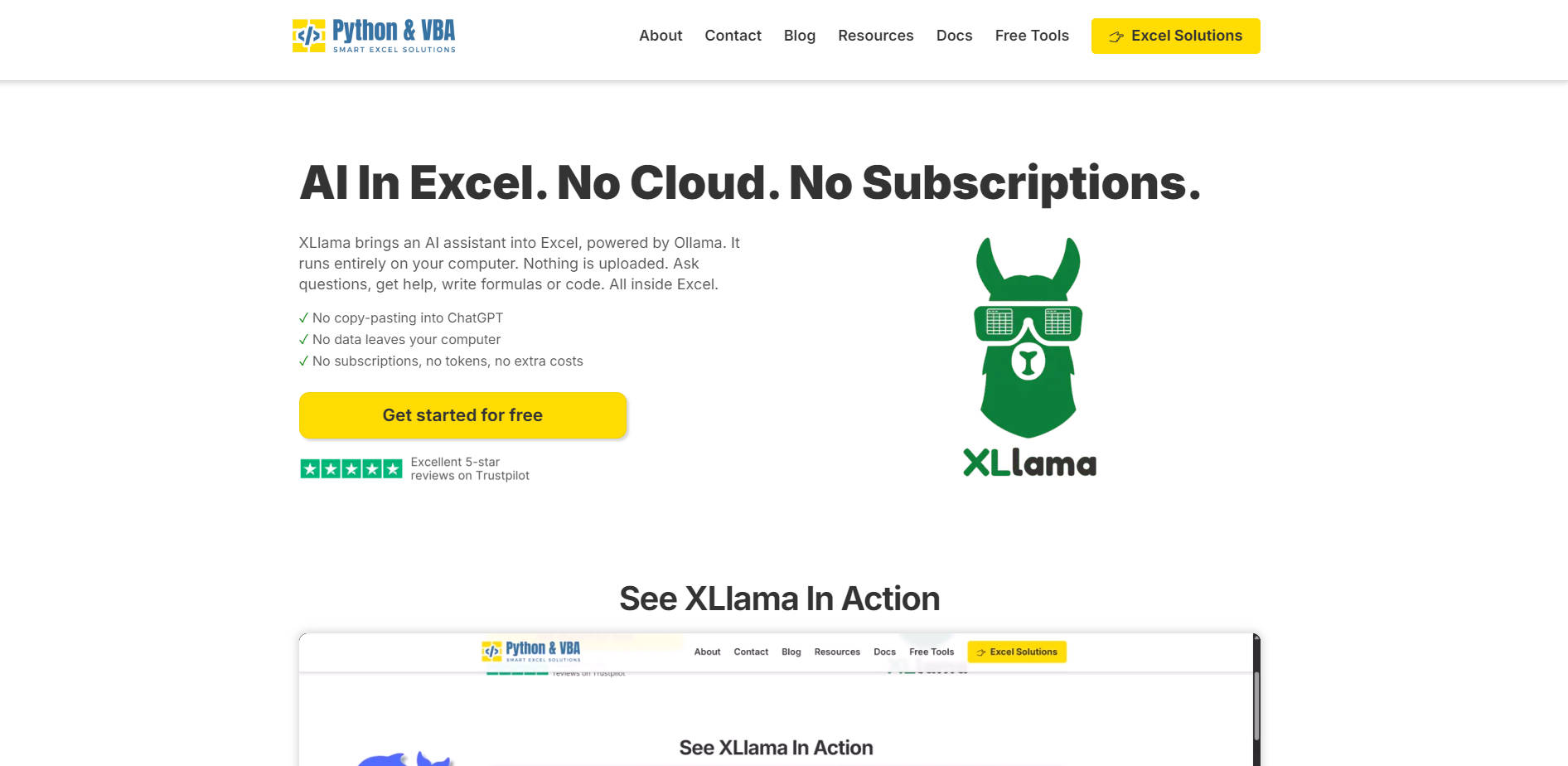
XLlama brings a fully functional AI assistant directly into Microsoft Excel—no cloud, no data uploads, no monthly fees. Powered by Ollama, it runs entirely on your local machine, giving you instant access to AI for formulas, data analysis, and automation—while keeping your information 100% private. Perfect for analysts, finance professionals, and Excel power users who want AI help without the risks of cloud-based tools.
Key Features
🧠 Built-in AI with =xllama() Formula
Use the simple =xllama("your question") function to get AI-powered answers directly in Excel cells. Ask for formula explanations, data insights, or even generate new formulas—no switching apps or copying data. The AI interprets context from your spreadsheet in real time.
🛡️ 100% Local Processing – Your Data Never Leaves
Unlike ChatGPT or Copilot, XLlama processes everything on your computer via Ollama. No data is sent to the cloud. Ideal for sensitive financial models, business reports, or confidential datasets—privacy is guaranteed by design.
💰 One-Time Purchase, Lifetime Access
No subscriptions, tokens, or recurring costs. The Pro version is a single $69 payment for lifetime access, including all future updates. Even the free Lite version offers core functionality with no strings attached.
🔧 Full Control Over AI Models
Choose any local model installed with Ollama—Llama3, Mistral, Gemma, TinyLLaMA, and more. Switch models instantly from a dropdown based on speed, accuracy, or task type. Smaller models run efficiently even on modest hardware.
🖱️ One-Click Range Analysis
Select any data range and analyze it instantly with a single click. Get summaries, detect outliers, explain trends, or generate business-ready insights—no need to write prompts manually or reformat data.
Use Cases
📊 Clean & Understand Complex Data Fast
You’ve got a messy sales report with blank cells, inconsistencies, and unclear patterns. Instead of manual digging, highlight the range and ask XLlama: “Summarize key trends and identify the top 3 anomalies.” Get clear, actionable insights in seconds—right inside Excel.
🧮 Fix and Learn Excel Formulas On the Fly
Stuck on a VLOOKUP error or a complex INDEX-MATCH? Use =xllama("Why is this formula returning #N/A?") and get a plain-English explanation plus a corrected version. It’s like having an Excel expert sitting next to you.
📑 Turn Raw Data Into Reports Instantly
Need to present monthly results in a meeting? Select your data and prompt: “Generate 3 bullet points summarizing performance and suggest next steps.” Copy the output directly into slides or emails—no copy-pasting into browser tabs.
Why Choose XLlama?
✅ Unlike Cloud AI Tools:
While other AI assistants require you to paste data into ChatGPT or pay per token, XLlama keeps everything local and free from usage limits. No risk of data leaks, no throttling.
✅ Better Than Excel Copilot (If You Value Privacy):
Microsoft’s AI features require cloud connectivity and data sharing. XLlama gives you similar power—formula help, data insights, automation—without compromising control over your files.
✅ The Only True One-Time AI Add-In for Excel:
Most AI tools lock you into subscriptions. XLlama’s one-time payment model means you own it forever. Free updates. No tracking. No fine print.
Conclusion:
XLlama redefines how you use AI in Excel: privately, affordably, and seamlessly. Whether you're troubleshooting formulas, analyzing business data, or just want smarter Excel workflows, XLlama puts AI right where you need it—inside your spreadsheet, on your machine.
More information on XLlama
Launched
2021-06
Pricing Model
Freemium
Starting Price
Global Rank
892404
Follow
Month Visit
26.7K
Tech used
Top 5 Countries
22.67%
20.26%
6.41%
6.14%
5.78%
Vietnam
United States
Russia
India
United Kingdom
Traffic Sources
12.7%
0.76%
0.1%
7.51%
40.64%
38.06%
social
paidReferrals
mail
referrals
search
direct
Source: Similarweb (Sep 25, 2025)
XLlama was manually vetted by our editorial team and was first featured on 2025-08-14.
Related Searches
XLlama Alternatives
Load more Alternatives-

-

Llama Assistant is an open-source AI helper that runs locally, ensuring privacy. Powered by Meta's Llama 3.2, it offers features like voice recognition, advanced NLP, and customizable UI. Supports multiple models. Future plans include offline speech-to-text and more.
-

Excelmatic: AI assistant for Excel. Automate tasks, get insights, & clean data with simple chat commands. Save time!
-

-

LM Studio is an easy to use desktop app for experimenting with local and open-source Large Language Models (LLMs). The LM Studio cross platform desktop app allows you to download and run any ggml-compatible model from Hugging Face, and provides a simple yet powerful model configuration and inferencing UI. The app leverages your GPU when possible.