

What is ClipboardAI?
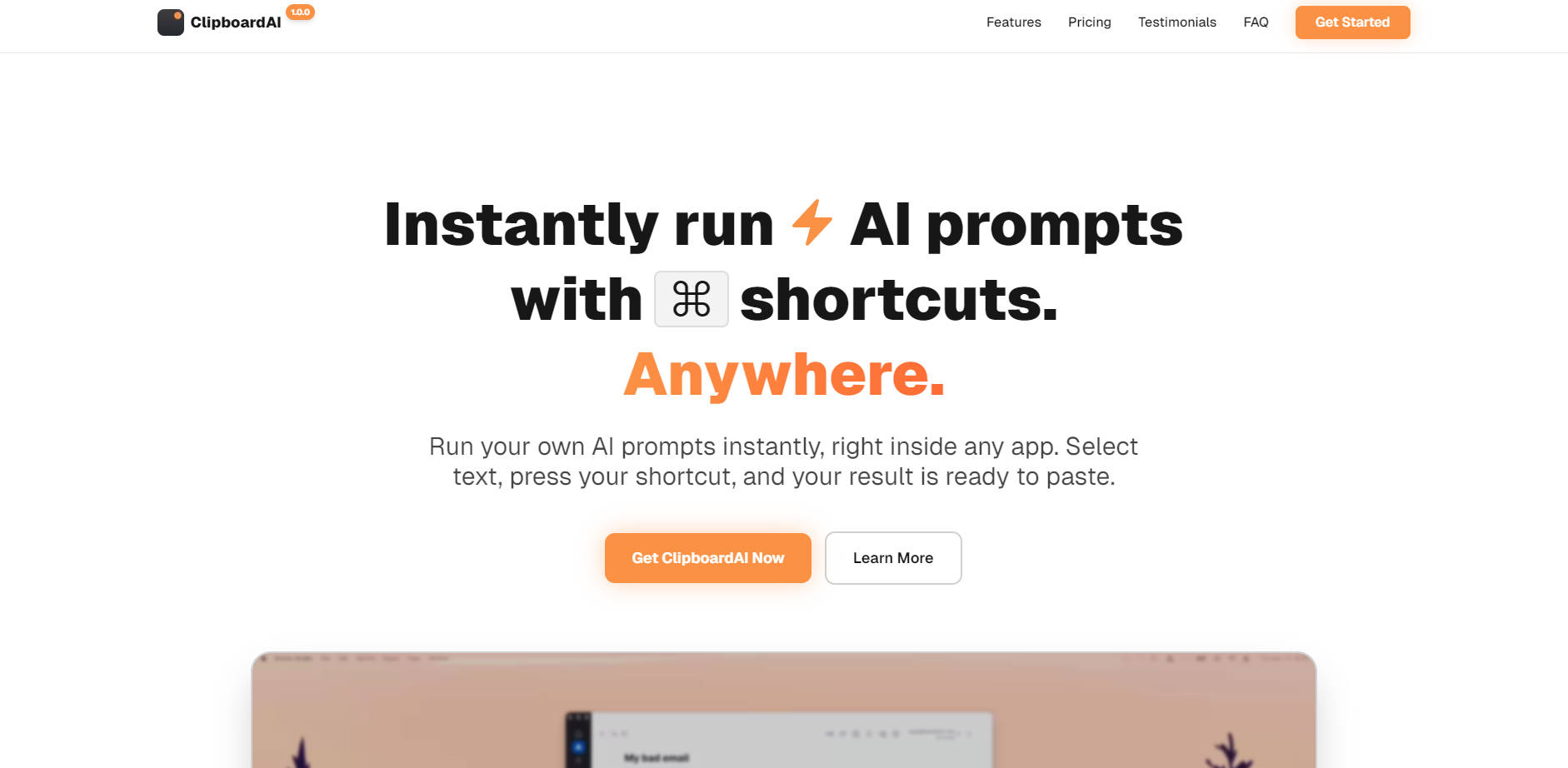
ClipboardAI is a powerful productivity utility designed to eliminate friction between your work and essential AI capabilities. It allows you to instantly run custom AI prompts on selected text using simple keyboard shortcuts, completely removing the need to switch applications, copy content, paste it into a browser tab, and then copy the result back. This tool is built for professionals—including writers, developers, and marketers—who demand lightning-fast, integrated AI assistance directly within their existing workflows.
Key Features
ClipboardAI embeds AI transformation directly into your daily routine, providing immediate, paste-ready results wherever you work.
- ⌨️ One-Key Productivity: Map your most-used AI actions—such as "fix grammar," "translate to German," or "explain code"—to custom keyboard shortcuts (e.g.,
Option+GorCommand+Shift+R). This enables muscle memory for instant assistance, dramatically reducing execution time. - 🌍 Universal Compatibility (Works Everywhere): Leverage AI assistance inside any application where you can select text, including Slack, Gmail, Notion, Google Docs, VS Code, and Figma. ClipboardAI requires no complex integrations and functions seamlessly across all Mac and Windows apps.
- ✍️ Unlimited Custom Prompts: Create an unlimited library of personalized AI shortcuts tailored to your specific role and tasks. Whether you need to refine tone, summarize a lengthy document, convert code languages, or generate social media variants, your prompts are customized and always ready.
- 🔒 Smart, Secure, and Private: Your data remains private and secure. ClipboardAI utilizes your own OpenAI API key to communicate directly with the model. The application never stores your clipboard content, API keys, or prompt history on its servers; all sensitive information is stored locally on your device.
- 🚀 Paste-Ready Results: The AI-transformed result appears instantly and is automatically copied to your clipboard. Simply press
Command+Vto paste the finalized text directly into your document, chat, or code editor without any extra steps.
Use Cases
ClipboardAI is built for how you actually work, providing targeted solutions for specialized tasks across various professional roles.
| User Scenario | Application | Outcome and Benefit |
|---|---|---|
| For Developers | Select a complex function in VS Code or an IDE. | Press a custom shortcut to instantly generate clear documentation, explain the code's purpose, or suggest refactoring improvements. This accelerates code review and knowledge transfer. |
| For Writers & Editors | Highlight a draft email or report in Outlook or Google Docs. | Use a shortcut to instantly adjust the tone (e.g., from overly casual to highly professional) or shorten lengthy paragraphs, ensuring your communication is always precise and audience-appropriate. |
| For Customer Support | Select a long, multi-message customer service thread in your ticketing system. | Press a shortcut to summarize the core issue and key details, followed by a second shortcut to generate an empathetic, professionally polished reply, significantly cutting down resolution time. |
Why Choose ClipboardAI?
ClipboardAI delivers essential value by fundamentally changing the interaction model between you and large language models, focusing on speed, efficiency, and professional control.
- Zero-Friction Workflow: Unlike traditional methods that require switching tabs, copying text, pasting, waiting, and copying back, ClipboardAI reduces the entire process to two actions: selecting text and pressing a shortcut. This minimal interaction ensures you stay focused and in context.
- Guaranteed Data Privacy: By leveraging your own OpenAI key and storing all data locally, ClipboardAI provides a level of security and control that traditional, centralized AI platforms cannot match. You maintain ownership and oversight of your data flow.
- Lifetime Value: ClipboardAI is offered via a single, one-time payment, providing unlimited access to all features and future updates. This model eliminates the risk and recurring cost associated with monthly subscriptions for essential productivity tools.
Conclusion
ClipboardAI transforms AI from a separate destination into an invisible, instant assistant embedded seamlessly into your workflow. By eliminating context switching and providing customizable, one-key access to powerful language models, you gain back valuable time and ensure every piece of text—from code to customer replies—is polished and precise.
Explore how ClipboardAI can streamline your daily tasks and elevate your productivity instantly.
More information on ClipboardAI
Launched
2024-09
Pricing Model
Paid
Starting Price
$29
Global Rank
Follow
Month Visit
<5k
Tech used
ClipboardAI was manually vetted by our editorial team and was first featured on 2025-11-16.
ClipboardAI Alternatives
Load more Alternatives-

-
-
Promptlight is a macOS application that works like Spotlight, but for your AI prompts. It lets you quickly search, browse, and copy your saved prompts to the clipboard with lightning-fast fuzzy search and keyboard shortcuts.
-

Tired of copy-pasting? BringYourAI links VSCode to any AI chat. Attach code, debug faster, and generate smarter code. Elevate your dev workflow.
-
