
What is Enchanted LLM?
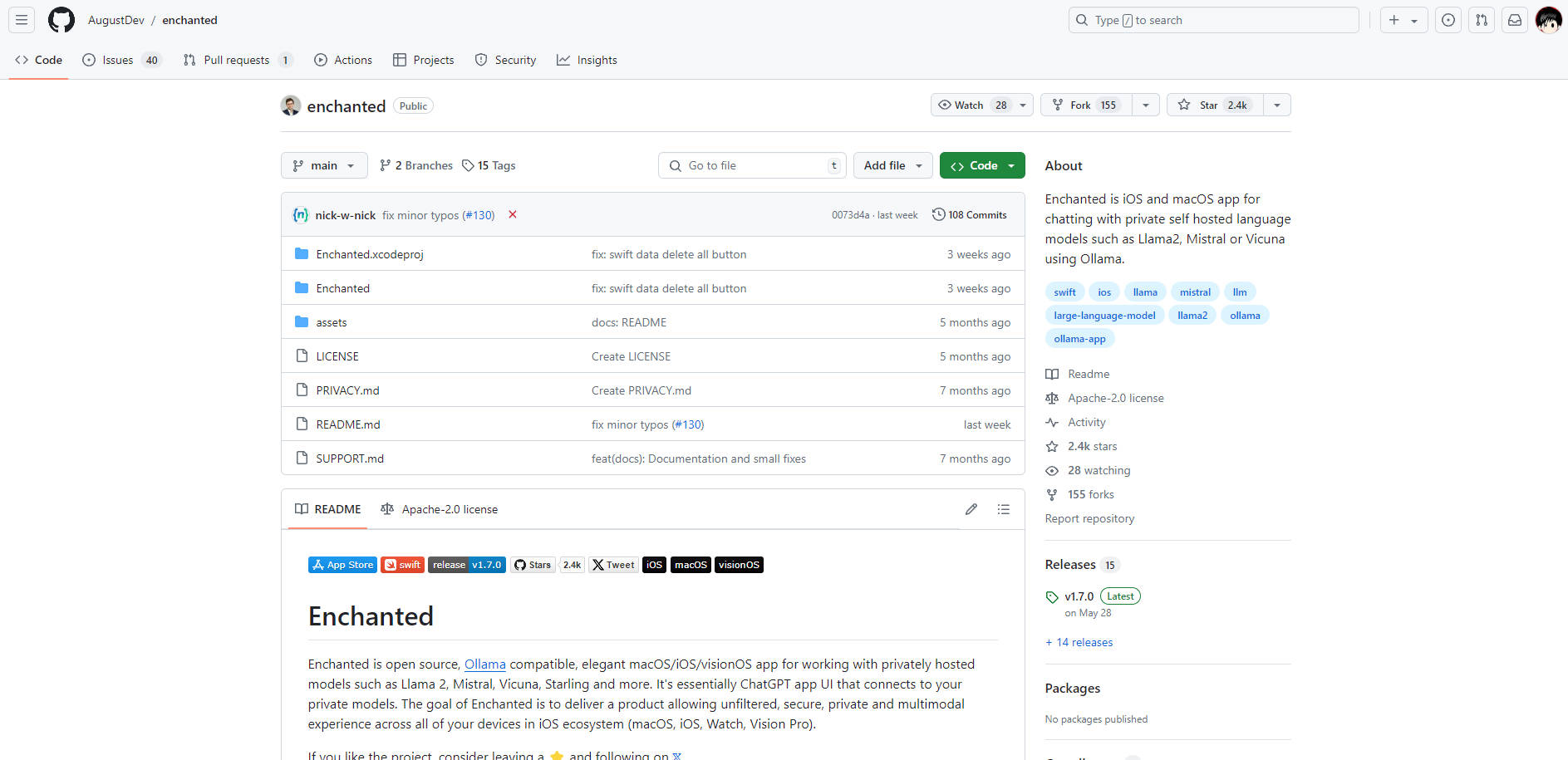
Enchanted, an innovative macOS, iOS, and visionOS application, revolutionizes the AI experience by connecting users to privately hosted models like Llama 2, Mistral, and Vicuna, offering a secure, unfiltered, and multimodal interface. This open-source, Ollama-compatible app ensures privacy across the iOS ecosystem, enabling seamless AI interactions offline and across devices.
Key Features:
Private Model Integration: Enchanted connects to your private AI models, ensuring secure and confidential conversations, free from external data collection.
Multimodal Experience: Supports text, voice, and image inputs, enriching interactions and accommodating diverse user needs.
Customization and Templates: Users can create and save custom prompt templates, facilitating quick and personalized AI engagements.
Conversation History: Stores interactions locally on your device, preserving privacy and enabling review of past conversations.
Offline Functionality: All features work seamlessly without an internet connection, providing reliable AI assistance anytime, anywhere.
Use Cases:
A researcher uses Enchanted to query sensitive data on a private AI model, ensuring confidentiality and compliance with data protection laws.
A student creates custom prompt templates for studying, leveraging AI to generate summaries and explanations tailored to their learning style.
A remote worker uses the app's offline capabilities to access AI assistance while traveling, enhancing productivity without relying on internet connectivity.
Conclusion:
Enchanted stands as a beacon of privacy and innovation in the AI space, offering a secure, customizable, and multimodal experience that transforms how we interact with AI. Whether you're a professional seeking confidential data analysis or a student looking for personalized study aids, Enchanted delivers. Ready to experience AI on your terms? Download Enchanted today and unlock the power of private AI.
FAQs:
Q: Does Enchanted require an internet connection to function?
A: No, Enchanted offers full offline functionality, ensuring you can use all features without an internet connection.Q: How do I set up Enchanted to work with my private AI models?
A: After downloading Enchanted from the App Store, specify your Ollama server endpoint in the app settings. If your server is not publicly accessible, use ngrok to forward your server and obtain a temporary public URL for Enchanted to connect to.Q: Can Enchanted support voice and image inputs?
A: Yes, Enchanted supports a multimodal experience, including text, voice, and image inputs, making AI interactions more accessible and versatile.
More information on Enchanted LLM
Launched
Pricing Model
Free
Starting Price
Global Rank
Follow
Month Visit
<5k
Tech used
Enchanted LLM was manually vetted by our editorial team and was first featured on 2024-07-12.
Related Searches