

What is Noteit MCP?
Noteit MCP is the essential AI workflow accelerator designed for developers who demand precision and efficiency. It solves the critical problem of generic AI outputs and fragmented project knowledge by enabling you to instantly deploy highly contextualized AI experts and automatically generate rich, interactive documentation directly from your IDE. Noteit MCP transforms your development environment into an intelligent, self-documenting system, ensuring clarity and consistency across every project.
Key Features
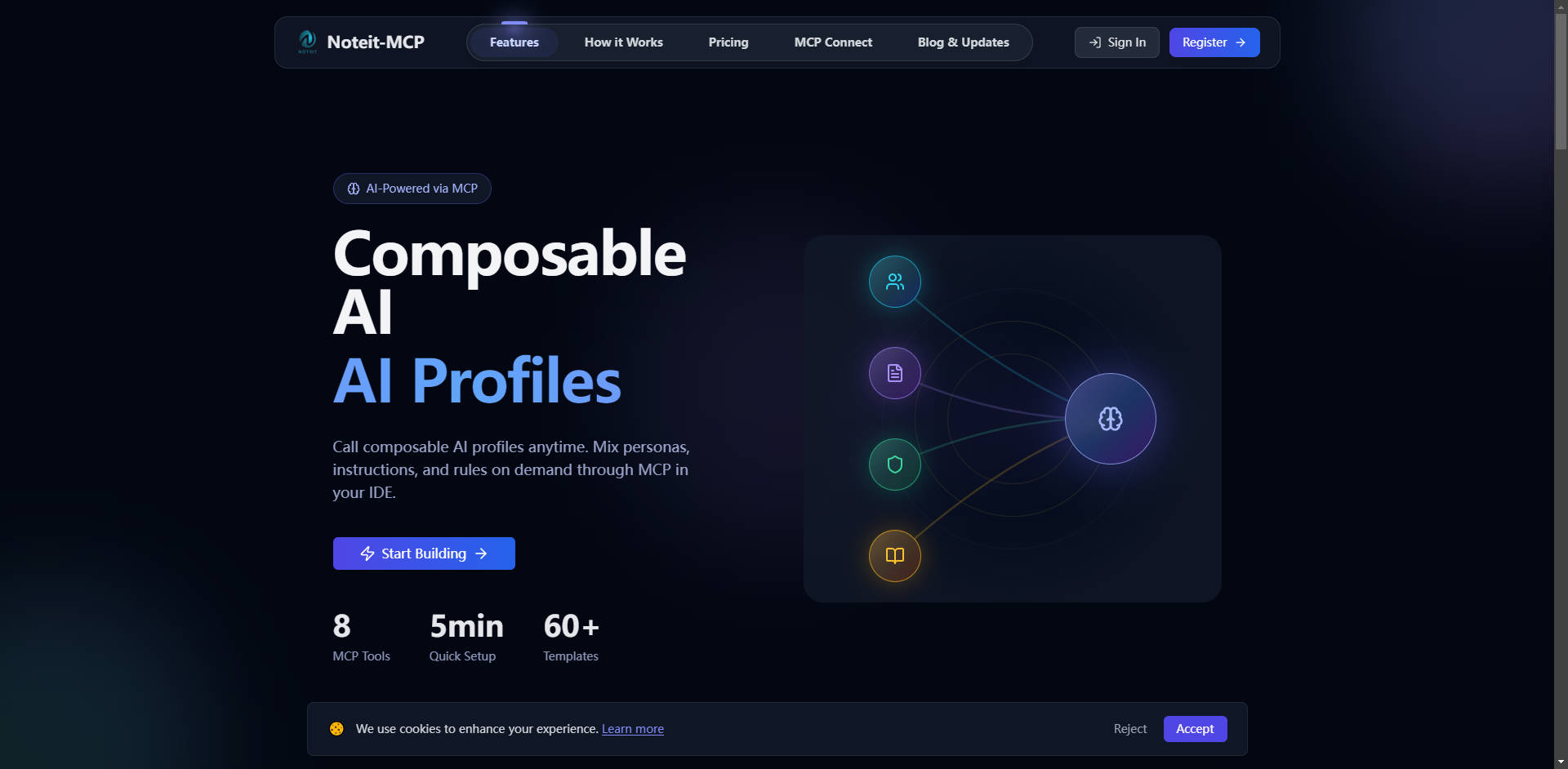
Noteit MCP integrates seamlessly into your workflow, providing the tools necessary to control and visualize complex development processes and AI interactions.
🧠 Composable AI Profiles & Agent Configuration
Build custom, expert AI assistants by blending personas, instructions, rules, and existing project documents on demand. Instead of repeating context or receiving generic answers, you can instantly deploy a specific, pre-contextualized expert—such as a "Security Reviewer" or "Python Expert"—directly within your IDE. This configuration eliminates repetitive prompting and ensures highly relevant, actionable AI outputs. Start quickly using one of the 60+ included templates.
📊 NoteFlow: AI-Generated Visual Flow Diagrams
Automatically generate interactive flow charts for complex processes like debugging sequences, data flows, or system architecture. NoteFlow eliminates the pain of manually drawing diagrams that instantly become outdated. By simply telling the AI what process you want to visualize, you get instant clarity on complex changes (e.g., tracking the impact across 40 modified files) and detailed configuration metrics.
🌐 NoteWeb: Specification-Driven Knowledge Sites
Transform specification overload and document chaos into rich, interactive HTML documentation. NoteWeb allows you to request API references, deployment guides, or complex tutorials, and the AI builds complete, interactive pages. This functionality ensures that architectural decisions, change histories, and complex concepts are explained beautifully using diagrams, code blocks, and step-by-step guides, making knowledge transfer effective.
📝 Smart Notes Management
Capture critical project knowledge and contextual decisions right when they happen. Record anything from quick notes and development tasks to deep "why" explanations for architectural choices or error issues. These notes are automatically categorized, tagged, and saved to your dashboard, making them instantly searchable and callable across different IDE sessions, maintaining efficiency and institutional knowledge.
Use Cases
Noteit MCP empowers developers and teams to manage complexity and accelerate delivery through intelligent automation.
- Instant Expert Debugging: When encountering a difficult error, you don't need to manually copy logs and system details into a prompt. Simply call a pre-configured 'Debug Assistant' profile that has been loaded with project rules and relevant documentation. The profile instantly provides tailored, project-aware troubleshooting steps, significantly reducing mean time to resolution.
- Streamlining Large Code Reviews: Before submitting a Pull Request, use a specific 'Code Reviewer' agent profile to audit the changes. This profile, configured with your team's style guides and security rules, provides deep, contextual feedback, ensuring code quality standards are met before human review even begins.
- Visualizing System Architecture: Instead of spending hours drawing complex system maps, use NoteFlow to visualize the new authentication workflow. By describing the steps, the AI generates an interactive diagram that tracks the data flow from user login through token validation and access granting, providing immediate clarity for new team members or stakeholders.
Why Choose Noteit MCP?
Noteit MCP is designed not just to store information, but to make that information instantly actionable, differentiating it from standard documentation tools or basic AI interfaces.
| Feature | Standard Documentation/AI Interface | Noteit MCP Advantage |
|---|---|---|
| Context Management | Requires manual input of context, rules, and documents for every new conversation. | Componentized Context: Freely combine personas, instructions, and rules into reusable, instant profiles. |
| AI Output Quality | Generic, shallow, or occasionally incorrect answers due to lack of deep context. | Instant Expert Mode: Profiles ensure the AI operates with project-specific knowledge and expertise, delivering highly relevant results. |
| Visual Documentation | Requires manual drawing tools (e.g., Lucidchart, Mermaid) and constant updating. | AI-Generated Flow & Web: One simple request generates interactive diagrams (NoteFlow) or full knowledge sites (NoteWeb) that are easily regenerated and kept up-to-date. |
By componentizing knowledge and providing an on-demand Agent Profile System, Noteit MCP eliminates the fundamental friction points of modern AI coding: repetition and generalization.
Conclusion
Noteit MCP provides the control plane required to manage and accelerate modern software development. By integrating AI configuration, visual documentation, and smart knowledge capture into your IDE, you gain unprecedented clarity and efficiency.
More information on Noteit MCP
Launched
2025-09
Pricing Model
Freemium
Starting Price
Global Rank
3391120
Follow
Month Visit
5.3K
Tech used
Top 5 Countries
100%
Taiwan
Traffic Sources
4.82%
1.04%
0.05%
4.82%
4.82%
84.44%
social
paidReferrals
mail
referrals
search
direct
Source: Similarweb (Dec 9, 2025)
Noteit MCP was manually vetted by our editorial team and was first featured on 2025-12-09.
Noteit MCP 代替ソフト
もっと見る 代替ソフト-
DocumentationLab - コードベースのドキュメント作成を支援するAI駆動型プラットフォーム。包括的なドキュメントを生成し、リアルタイム情報を取得し、バージョン管理との統合で最新の状態を維持します。今すぐ生産性を最大化!
-
-
Web to MCP: 開発者の皆様へ:ピクセルパーフェクトなUIコードを10倍高速に生成。ライブのウェブコンポーネントをAIアシスタントに直接送信することで、圧倒的な精度を実現します。
-
-
