

What is Private Mode?
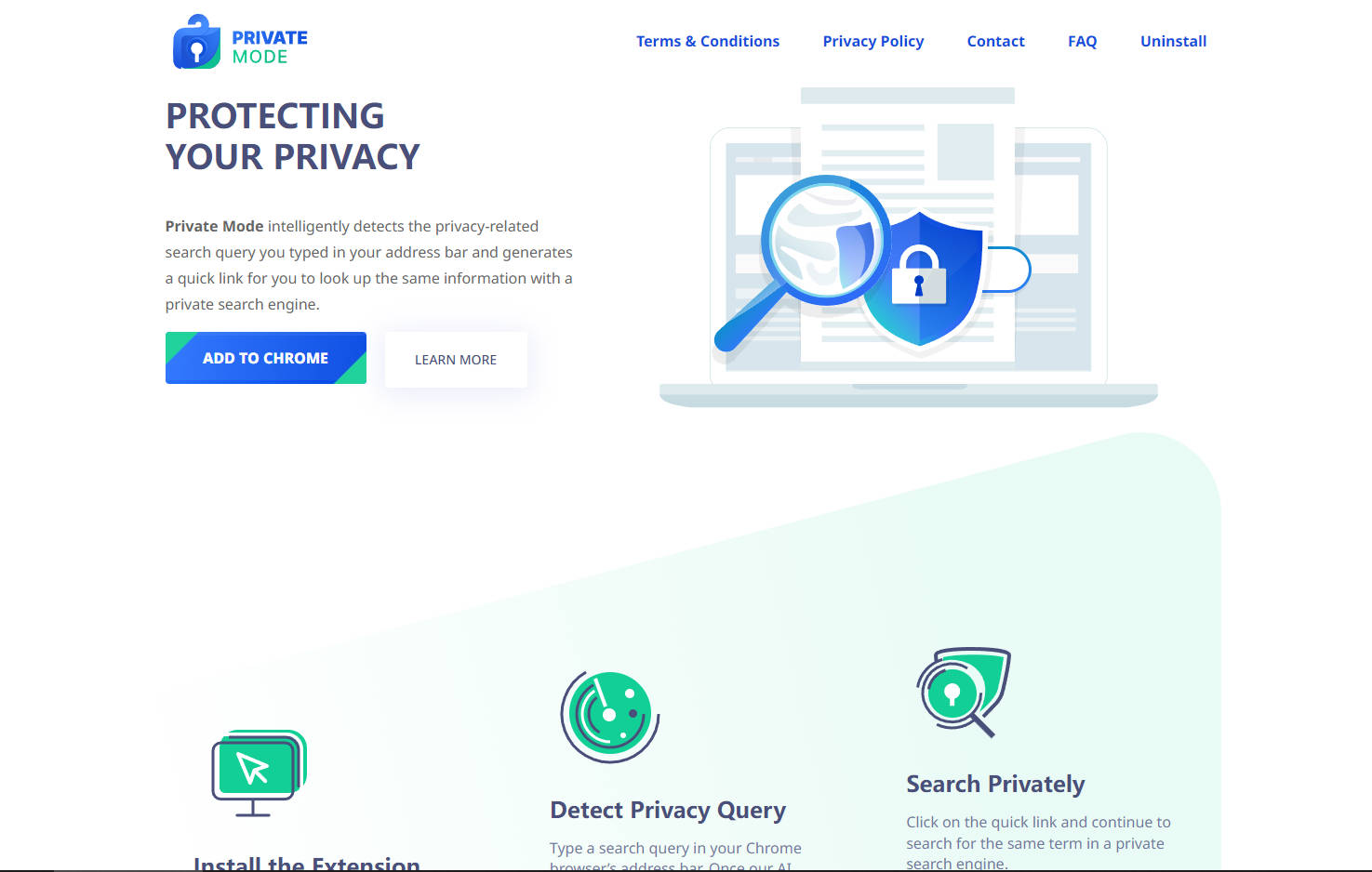
In today’s digital world, safeguarding your privacy while browsing can feel like a constant challenge. Private Mode simplifies this by intelligently detecting when you’re searching for sensitive information and offering a quick, private alternative. Whether you’re looking up financial details, health concerns, or personal data, this Chrome extension ensures your searches stay confidential—without disrupting your workflow.
Key Features
🔍 Detect Privacy Queries Automatically
The extension uses AI to recognize privacy-related terms in your search queries, seamlessly identifying when you need an extra layer of protection.
🛡️ Generate Quick Private Search Links
Once a privacy-related query is detected, a quick link appears in your address bar’s autocomplete suggestions, allowing you to search privately with a single click.
🌐 Support for Multiple Private Search Engines
Choose from trusted private search engines like DuckDuckGo, Startpage, MetaGer, and Qwant, ensuring your data is never tracked or stored.
⚙️ Customizable Settings
Easily switch your preferred private search engine or adjust settings to fit your browsing habits, giving you control over your privacy.
Use Cases
Banking and Finances
Searching for “my bank account balance”? Private Mode ensures your financial queries are handled securely, shielding them from prying eyes.Health and Wellness
Looking up sensitive health symptoms or conditions? The extension redirects your search to a private engine, keeping your health data confidential.Personal Information
Need to verify your address or check your credit score? Private Mode ensures these searches remain private, protecting your identity and data.
Why Choose Private Mode?
Private Mode isn’t just another privacy tool—it’s a smarter way to browse. By integrating seamlessly into your Chrome browser, it removes the guesswork and hassle of protecting your sensitive searches. It’s free, easy to use, and designed to fit into your daily routine without interruption.
FAQ
Is Private Mode free to use?
Yes, it’s completely free and available in the Chrome Web Store.
How does Private Mode detect privacy-related queries?
The extension uses AI to analyze search terms in your address bar and flags queries that may involve sensitive or private information.
Can I change the default private search engine?
Absolutely. You can select from DuckDuckGo, Startpage, MetaGer, or Qwant in the extension’s settings.
Why did my default search engine change?
The extension temporarily changes your default search engine to a sponsored one as part of its functionality. This helps detect privacy-related queries and generate quick links.
More information on Private Mode
Launched
2022-08
Pricing Model
Free
Starting Price
Global Rank
Follow
Month Visit
<5k
Tech used
Cloudflare CDN,Google Fonts,Bootstrap,jQuery,Gzip,HTTP/3,PHP
Private Mode was manually vetted by our editorial team and was first featured on 2025-02-19.
Related Searches
Private Mode Alternatives
Load more Alternatives-

QuickSearchPlus is the ultimate tool for AI-powered search with VPN, bookmarking, incognito browsing, and secure file storage. QuickSearchPlus organise, protect and simplify your digital life.
-

-

Display Chat GPT AI response to the search engine Google, Bing and more. Enhance your browsing experience with AI.
-
GPT Privacy allow you to secure the prompt data you provide to Large Language Models (LLM’s) like Chat GPT effortlessly.
-

Comet: The AI browser engineered to save time & sharpen focus. Automate tasks, synthesize info, & get answers from your entire digital world.