

Click outside to close
What is SheetAI App?
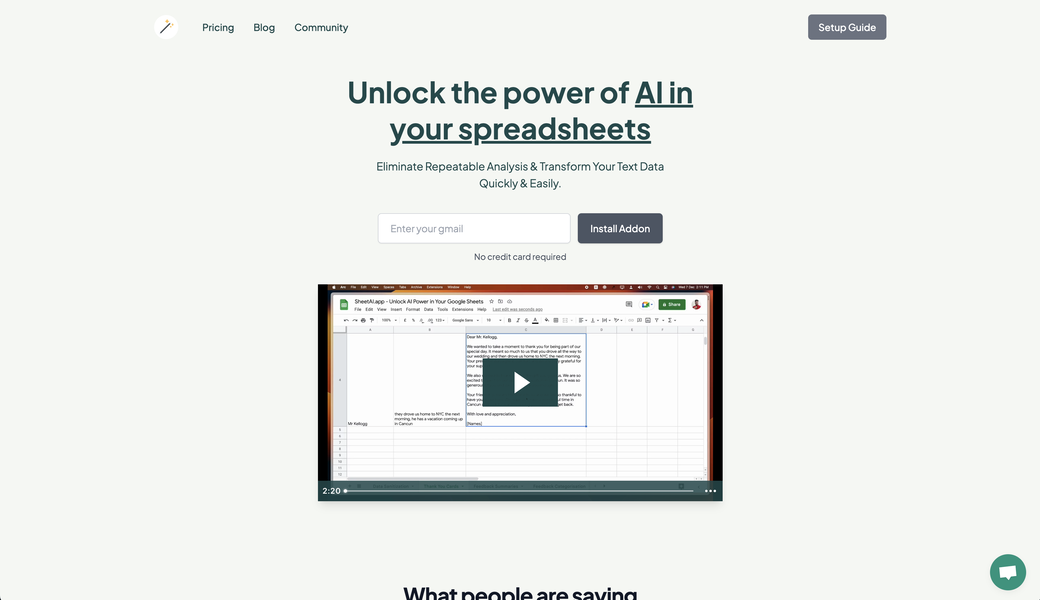
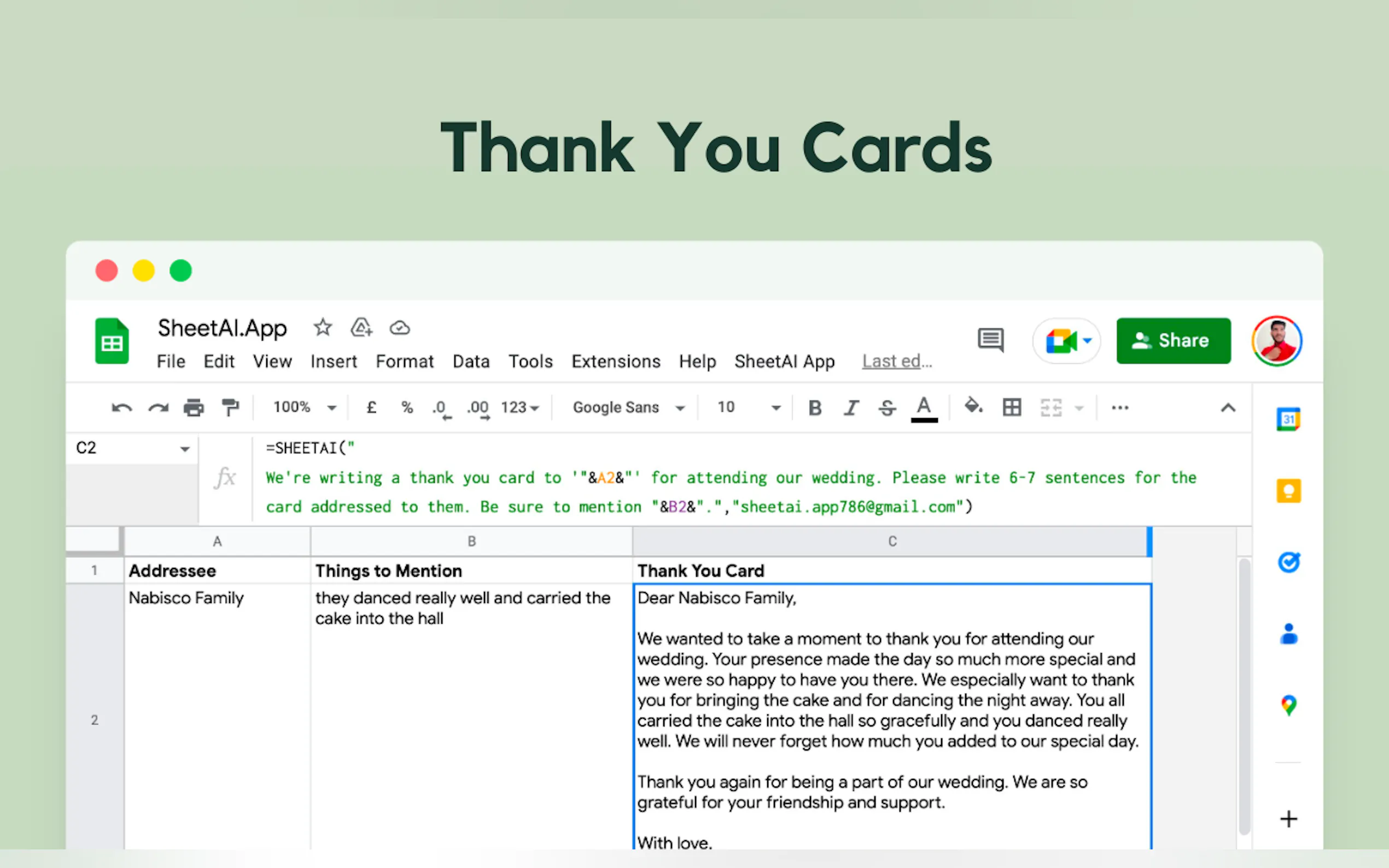
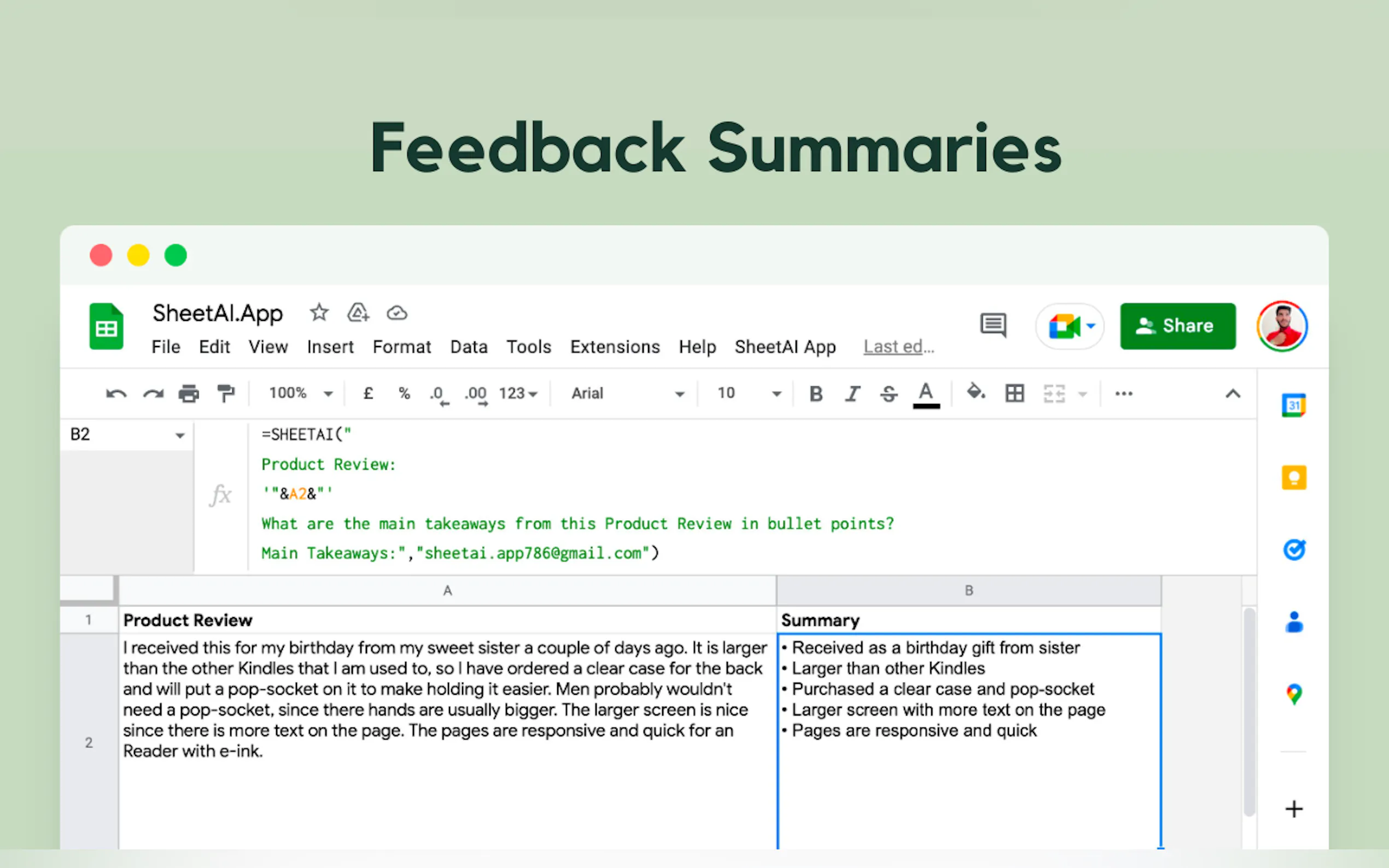
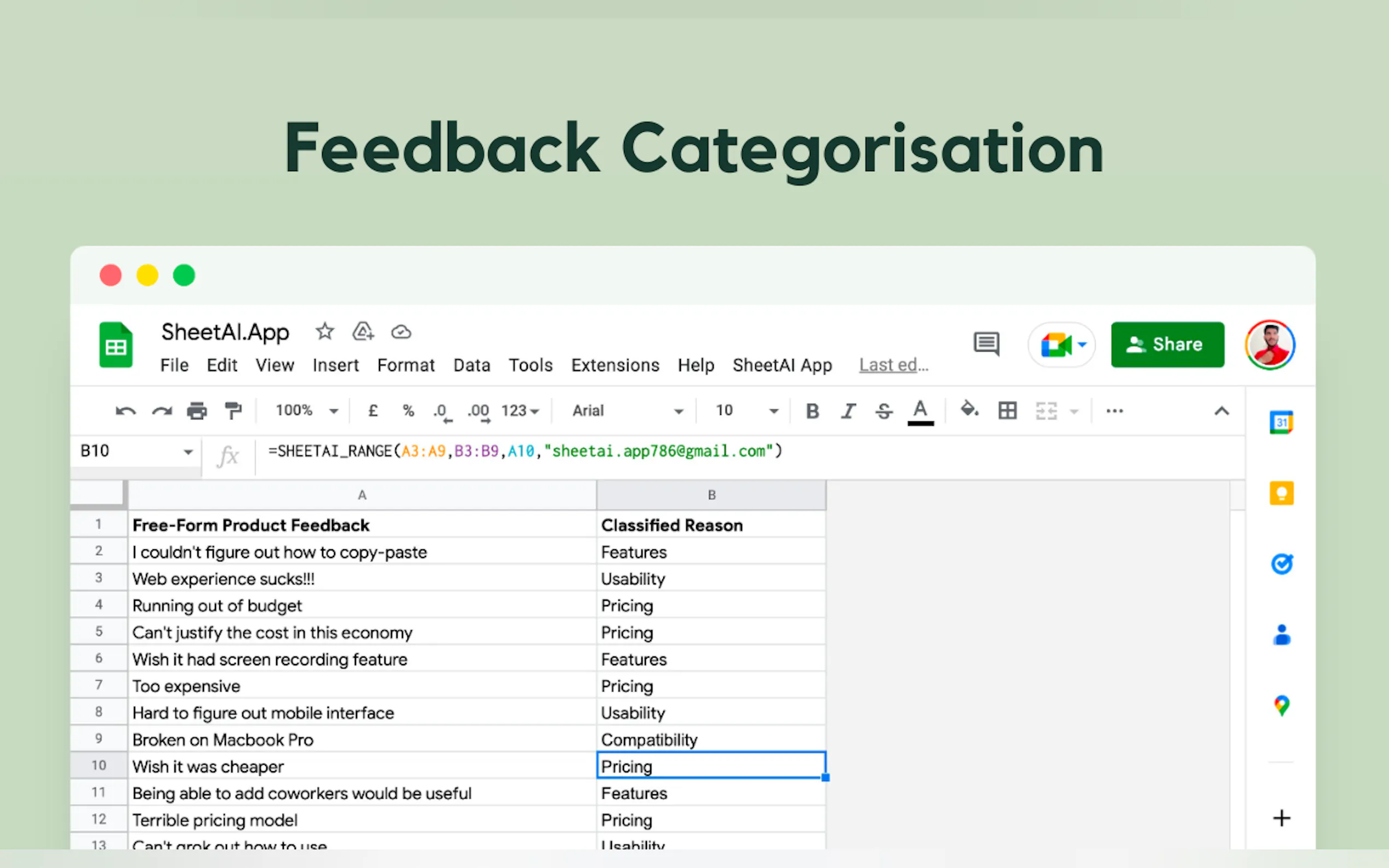
Say goodbye to repetitive tasks and hello to smarter, faster workflows. SheetAI brings the magic of AI directly into your Google Sheets, transforming the way you work with data. Whether you're cleaning up messy spreadsheets, generating content, or analyzing information, SheetAI does the heavy lifting for you—just describe what you need in plain English and watch the magic happen.
Why SheetAI?
With over 139k installsand a 4.5/5 rating, SheetAI is trusted by top universities, companies, and professionals worldwide. It’s designed to make your life easier by automating tedious tasks and delivering insights in seconds.
Key Features
✨ SHEETAI_BRAIN
Store and retrieve essential information effortlessly. Need to craft taglines or content? Just reference the app name, and SheetAI pulls the details for you.
📝 Generate Lists, Tables, and More
Use the SHEETAI_LISTfunction to brainstorm ideas, create product descriptions, or generate ad copy variations.
🔍 Fill Empty Spaces with AI Magic
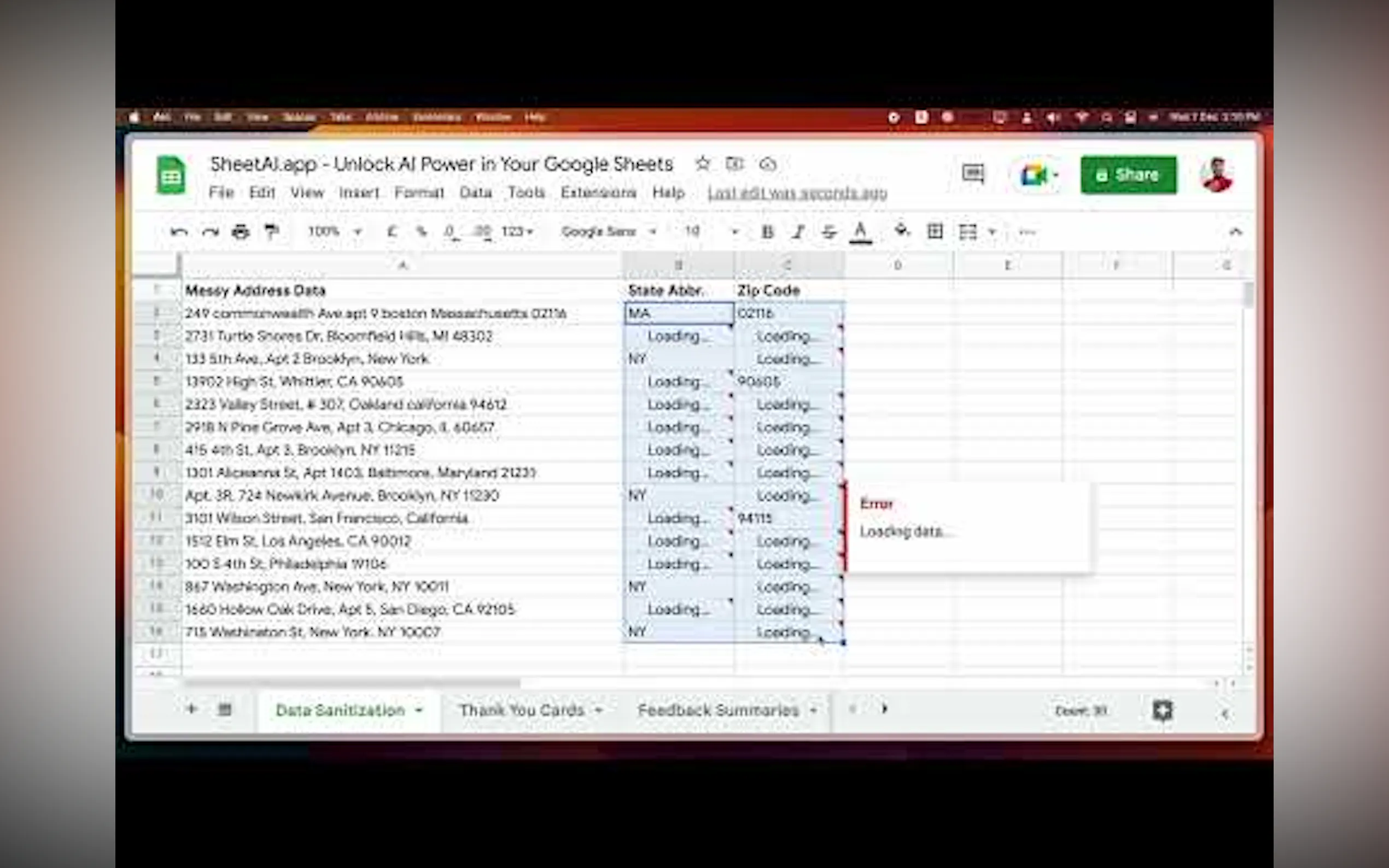
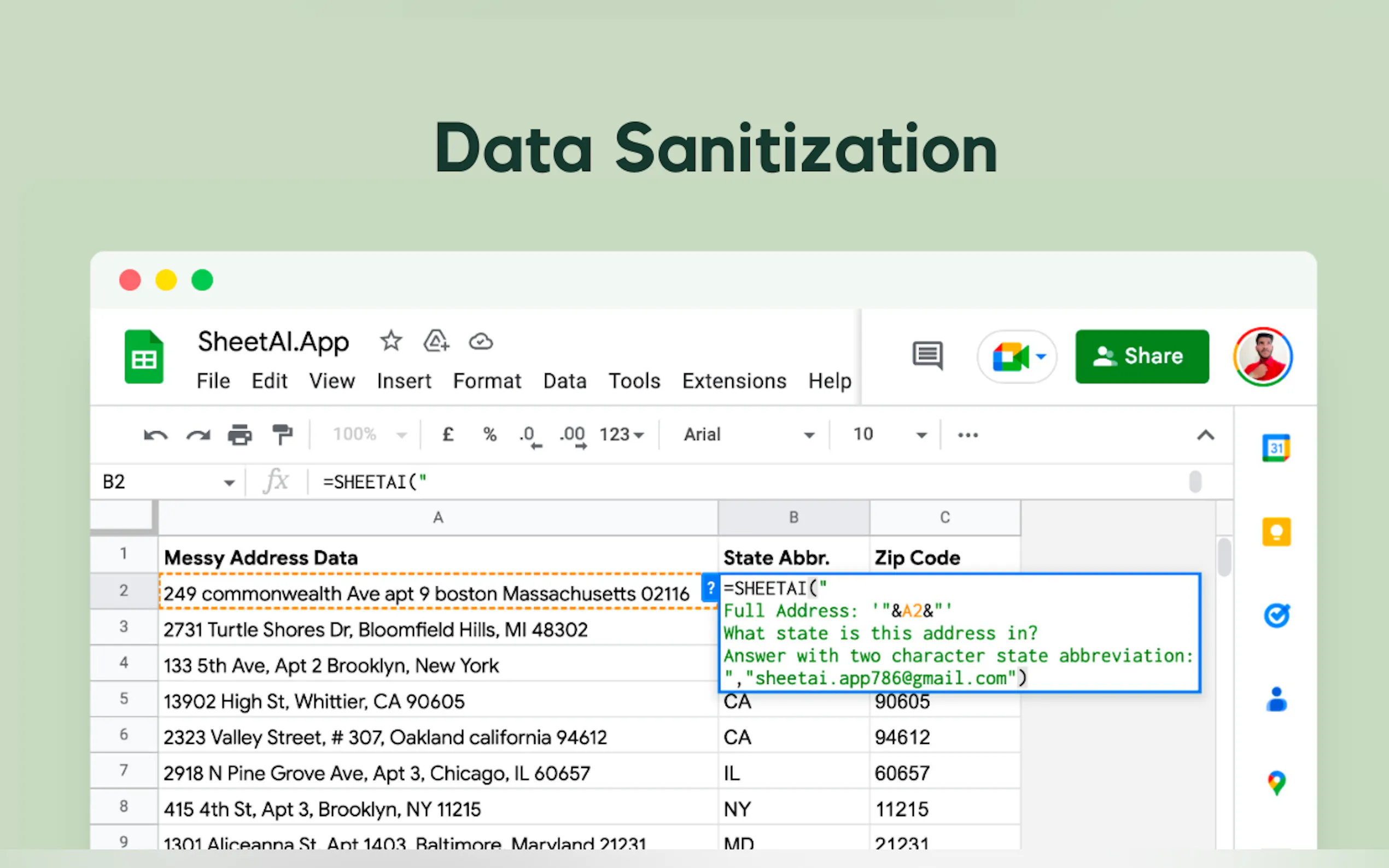
From cleaning up email lists to generating dummy data, SheetAI fills in the gaps with precision and speed.
🎯 Ask AI Anything
Use the SHEETAIfunction to perform tasks ranging from simple calculations to complex data analysis.
📸 Image and Speech Analysis
Extract labels, sentiment, and more from images or audio files—all within your spreadsheet.
How to Get Started in 3 Simple Steps
1️⃣ Install SheetAI
Head to the Google Workspace Marketplace and add SheetAI to your Google Sheets.
2️⃣ Launch & Connect
Create a new Google Sheet, open the add-ons menu, and launch SheetAI. Connect it to OpenAI or Gemini for seamless integration.
3️⃣ Start Using AI Functions
Explore SheetAI’s functions to generate content, analyze data, and automate tasks—all with a few clicks.
Real-World Use Cases
✅ Marketing Teams
Generate ad copy variations, brainstorm campaign ideas, and clean up customer data effortlessly.
✅ Data Analysts
Automate data cleaning, predict values, and extract insights from complex datasets.
✅ Educators and Students
Create study materials, analyze research data, and generate summaries in seconds.
✅ Small Business Owners
Manage inventory, generate product descriptions, and streamline payroll processes.
What Users Are Saying
⭐️⭐️⭐️⭐️⭐️
“Fantastic app for invoking GPT-3 from within Google Sheets. A mind-blowing productivity hack!”
— Sean Tierney
⭐️⭐️⭐️⭐️⭐️
“I’ve used SheetAI for marketing content generation and seen incredible results. Highly recommend it!”
— Eli Elad Cohen
Ready to Transform Your Spreadsheets?
Install SheetAI today and experience the future of spreadsheet automation. Whether you’re a marketer, analyst, or business owner, SheetAI is your ultimate productivity partner.
More information on SheetAI App
Top 5 Countries
7.91%
6.08%
5.42%
5.27%
4.76%
United States (7.91%)
France (6.08%)
Vietnam (5.42%)
India (5.27%)
Brazil (4.76%)
Traffic Sources
5.27%
10.98%
50.13%
32.39%
social (5.27%)
paidReferrals (0.93%)
mail (0.15%)
referrals (10.98%)
search (50.13%)
direct (32.39%)
Source: Similarweb (Jan 3, 2026)
SheetAI App was manually vetted by our editorial team and was first featured on 2023-03-07.
SheetAI App Alternatives
SheetAI App Alternatives-

SheetGPT: Use OpenAI's AI in Google Sheets! Generate text & images easily, no API keys required. Simple functions for content, marketing & more.
-

Use AI to save hours on repetitive tasks, like categorizing, extracting, writing text, data cleaning, and more!
-

mysheetAI is a web-based platform that offers a comprehensive library of formulas and functions for Excel and Google Sheets, along with AI-powered explanations and cloud-based access.
-

Transform Google Sheets with AI & data enrichment. Automate lead generation, analyze data, and streamline workflows. Maximize savings & efficiency.
-

Use GPT, Gemini, Claude and 50+ AI models in Google Sheets™ with no need to write formulas.