Click outside to close
What is Youtu-Tip?
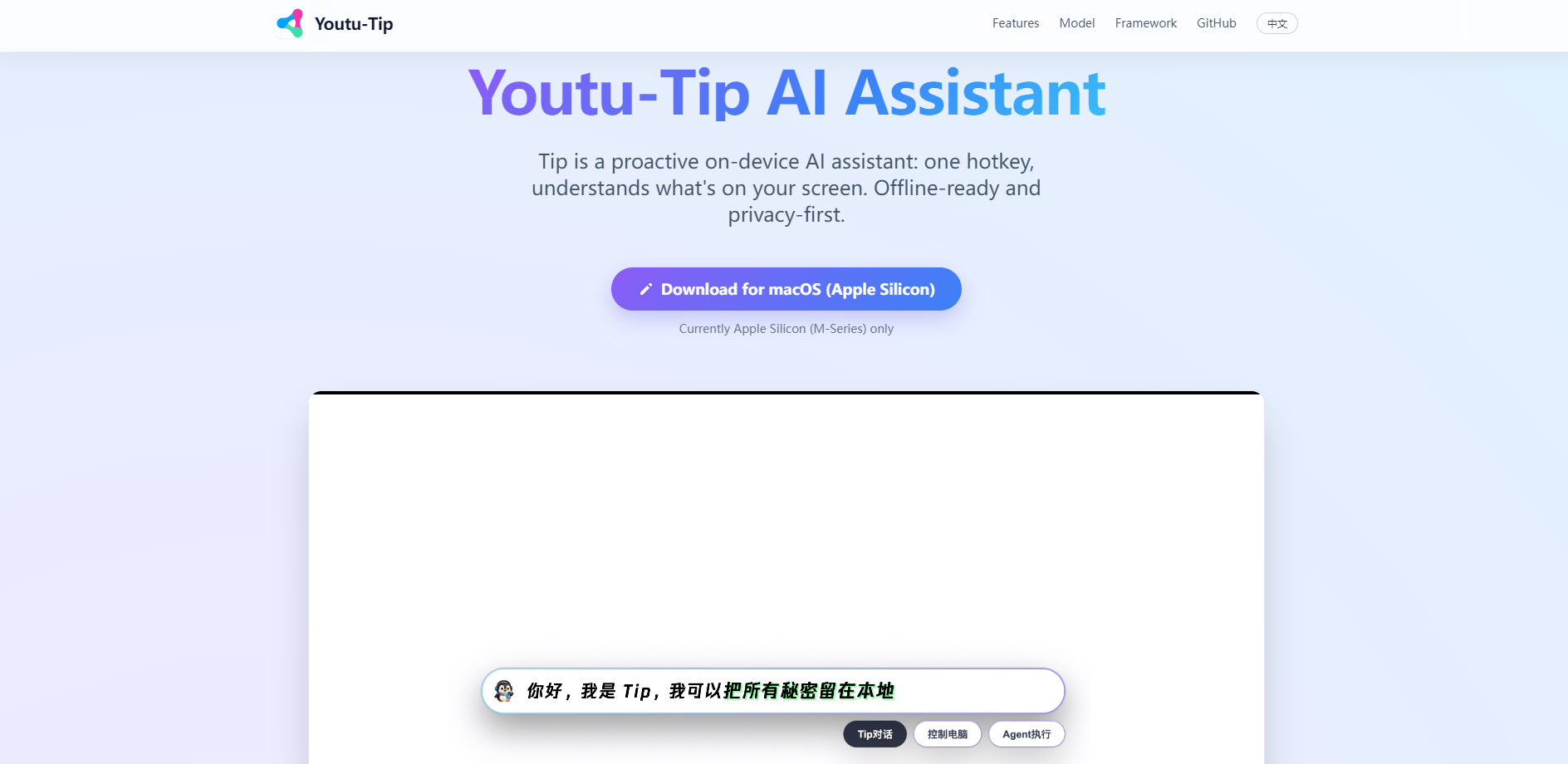
Youtu-Tip is a proactive, on-device AI assistant designed to bridge the gap between your intent and your desktop actions. Built specifically for macOS (Apple Silicon), it provides a "smarter Spotlight" experience that understands exactly what is happening on your screen, allowing you to process information and automate tasks without ever sending your data to the cloud.
By combining a high-performance local language model with advanced GUI agent capabilities, Tip eliminates the friction of traditional AI tools. You no longer need to copy, paste, or upload files to a chat box; Tip reads your context directly from your screen and files, providing immediate, intelligent assistance where you work.
Key Features
- ⌨️ One-Keystroke Intelligence: Activate Tip instantly with a single hotkey (Ctrl + Shift). Whether you select text, grab a screenshot, or just need a quick answer, Tip is ready to assist, functioning as a seamless extension of your macOS workflow.
- 🔒 100% Privacy-First Architecture: Tip runs entirely on your local hardware using the Youtu-LLM series. This ensures that your screen content, sensitive documents, and personal interactions stay on your device, making it ideal for privacy-conscious professionals and secure environments.
- 🖱️ Native GUI Agent Skills: Beyond simple chat, Tip can simulate mouse and keyboard actions. It uses its "Skill" mechanism to learn and repeat desktop automations, allowing it to navigate websites or local applications to complete complex tasks on your behalf.
- 📄 Deep File & Web Integration: Connect Tip to your local file system or web browser. By leveraging MCP (Model Context Protocol) servers and local agents, Tip can analyze codebases, summarize long documents, and manage files through a simple conversational interface.
- 🧠 High-Performance Youtu-LLM: Powered by a 1.96B parameter model with a 128K context window, Tip is optimized for STEM, coding, and agent-based tasks. It delivers state-of-the-art performance for its size, ensuring fast responses and reliable reasoning.
Use Cases
- Instant Contextual Research: Highlight a complex paragraph in a research paper or select a region of a technical diagram. Activate Tip to receive an immediate explanation or summary based exactly on what you are looking at.
- Automated Desktop Workflows: Teach Tip a "GUI Skill," such as navigating a travel site to find the cheapest flights or performing specific data cleanup in a spreadsheet. Once taught, the agent can execute these multi-step actions autonomously.
- Secure Local Coding Assistance: Point Tip to a local directory or file path. Use the built-in "File Manager" agent to search through your code, explain functions, or perform bash commands without exposing your proprietary source code to external servers.
Why Choose Youtu-Tip?
While most AI assistants rely on cloud processing and manual data entry, Youtu-Tip focuses on "The Last Mile" of user interaction:
- Zero-Friction Context: Tip understands your screen and active selection natively. You save time by eliminating the need to manually type prompts or upload images.
- On-Device Speed & Security: By supporting Ollama and local OpenAI-compatible endpoints, Tip provides a mature environment for running agents locally. This removes the latency of cloud communication and guarantees data sovereignty.
- Extensible Skill System: Unlike static AI tools, Tip’s GUI Agent can be taught new methods. You can customize your own desktop automation skills, making the assistant more valuable the more you use it.
- Optimized for Apple Silicon: Tip is engineered to take full advantage of M-series chips, ensuring the 1.96B parameter Youtu-LLM runs efficiently with minimal impact on system resources.
Conclusion
Youtu-Tip transforms your Mac from a passive tool into an active collaborator. By bringing powerful, agentic AI directly onto your device, it provides a faster and more secure way to handle your daily digital tasks. Experience a workflow where your assistant truly understands your context and empowers you to do more with less effort.
More information on Youtu-Tip
Youtu-Tip was manually vetted by our editorial team and was first featured on 2026-01-08.
Youtu-Tip Alternatives
Load more Alternatives-

-

Thinkbuddy transforms your Mac. Use voice or screenshots to ask AI, execute commands with text selection, create/save custom prompts, customize shortcuts for quick use, and dictate with Whisper. Choose AI model for a seamless, efficient MacOS experience.
-

-

-