

What is ALTAR?
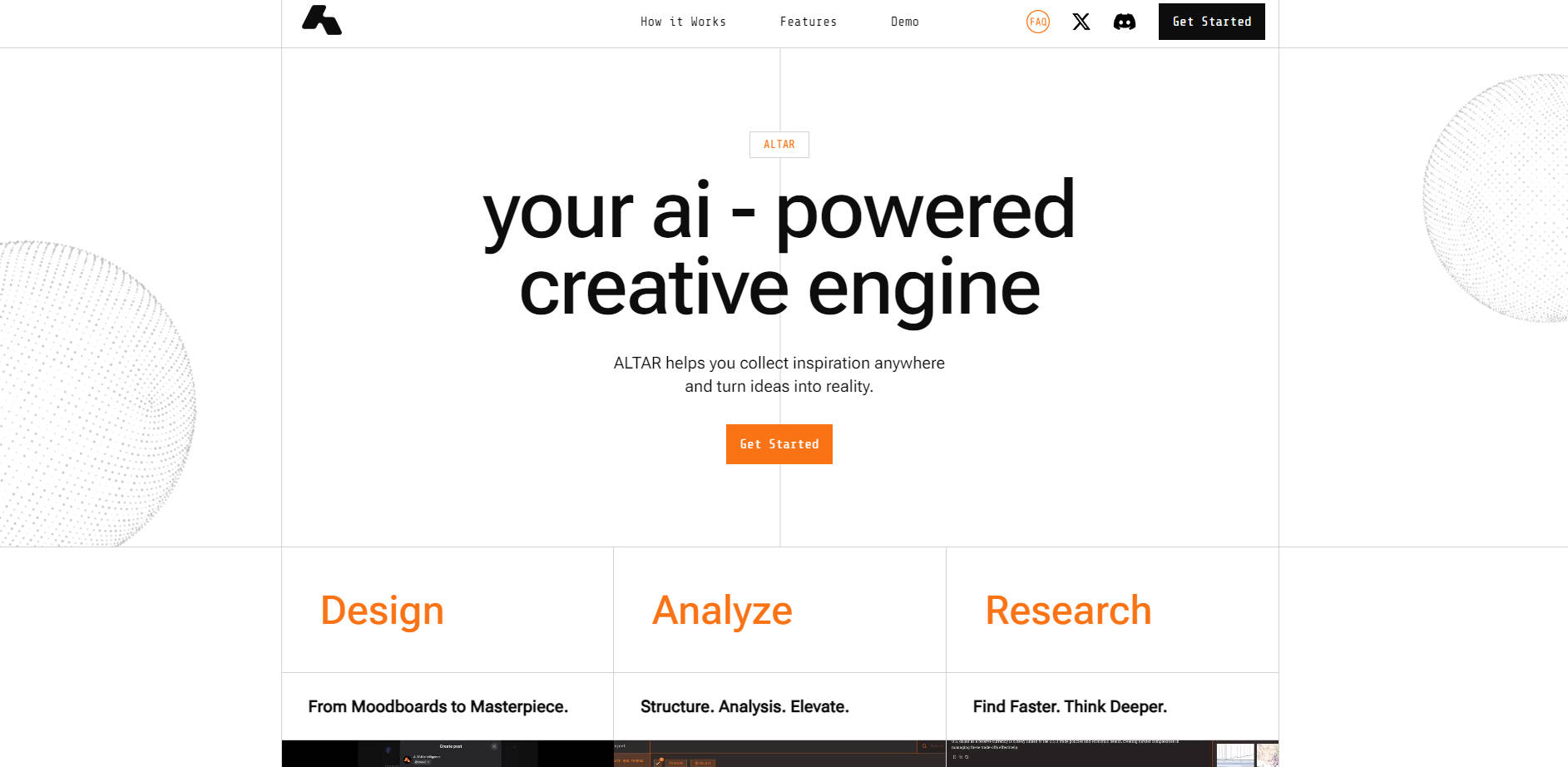
You gather inspiration constantly – links, images, snippets of text, fleeting thoughts. But turning that scattered collection into focused action can feel overwhelming. ALTAR is designed as your intelligent workspace, transforming the information you save into a connected, dynamic knowledge base. It helps you move beyond simple collection to truly understanding your material, uncovering insights, and generating fresh ideas or tangible outputs, all within a seamless workflow.
Think of it as a partner for your mind, helping you organize, make sense of complexity, and bring your projects to life faster.
Key Features: How ALTAR Works for You
📌 Capture Inspiration Seamlessly: Save anything that sparks your interest—links, text highlights, images—from anywhere on the web or your computer using the browser extension, right-click menus, or simple copy-paste.
🗂️ Organize Intelligently: As you save content, ALTAR can automatically suggest categories or allow you to structure items into logical "Spaces" (broad themes) and "Threads" (focused tasks or questions).
💡 Understand Instantly: Get AI-powered summaries of articles or documents, extract key insights, and even chat directly with the content of a webpage to ask clarifying questions.
✨ Generate Personalized Outputs: Leverage your collected knowledge and access advanced AI models (like ChatGPT-4) directly within ALTAR. Create text, generate images, or brainstorm ideas, all informed by your curated information.
🔍 Search with Precision: Effortlessly find anything stored within your ALTAR workspace—notes, specific images, saved links, or even concepts mentioned across multiple items.
See ALTAR in Action: Use Cases
Here are a few ways ALTAR can fit into your daily workflow:
Designing a New Campaign: You're gathering visual inspiration for a marketing campaign. Using the ALTAR browser extension, you save competitor ads, interesting color palettes from websites, and articles on design trends into a "Campaign Alpha" Space. Within a specific Thread for "Visual Concepts," you use ALTAR's AI to analyze the saved images for common themes and then generate initial mood board descriptions based on your curated collection.
Researching a Complex Topic: While exploring academic journals and news articles for a research paper, you highlight key paragraphs and save entire pages to an ALTAR "Thesis Research" Space. You use the "Chat with Page" feature to ask specific questions about methodology in one paper and get instant summaries of others. Later, you ask ALTAR to identify recurring arguments across several saved articles, helping you structure your argument.
Planning Your Next Trip: You're planning a vacation and saving links to potential destinations, articles about local culture, images of landmarks, and notes on flight options into your "Japan Trip" Space. You create Threads for "Tokyo Itinerary" and "Kyoto Accommodation." Using the "Space & Web" search function within a Thread, you ask ALTAR for budget-friendly restaurant suggestions near a saved hotel link, combining your notes with real-time information.
Conclusion: From Scattered Ideas to Focused Creation
ALTAR offers more than just storage; it provides an active, intelligent environment where your saved information becomes a springboard for insight and creativity. By helping you seamlessly capture, intuitively organize, instantly analyze, and contextually create, ALTAR removes the friction between inspiration and execution. It empowers you to build a personal knowledge base that adapts to your needs, allowing you to focus your energy on what truly matters: developing your ideas and bringing them to fruition.
More information on ALTAR
Launched
2021-04
Pricing Model
Free
Starting Price
Global Rank
5745970
Follow
Month Visit
<5k
Tech used
Google Analytics,Next.js,Vercel,Gzip,Webpack,HSTS
Top 5 Countries
78.76%
17.49%
3.75%
Nigeria
India
Colombia
Traffic Sources
56.18%
8.42%
0.08%
6.15%
10.8%
18.26%
social
paidReferrals
mail
referrals
search
direct
Source: Similarweb (Sep 25, 2025)
ALTAR was manually vetted by our editorial team and was first featured on 2025-04-13.
Related Searches
ALTAR Alternatives
Load more Alternatives-

-

-

-

-
Bookmarkjar: AI bookmark manager. Find content faster with intelligent semantic search & auto-tagging. Turn digital chaos into instant clarity.