

Click outside to close
What is DataGIF?
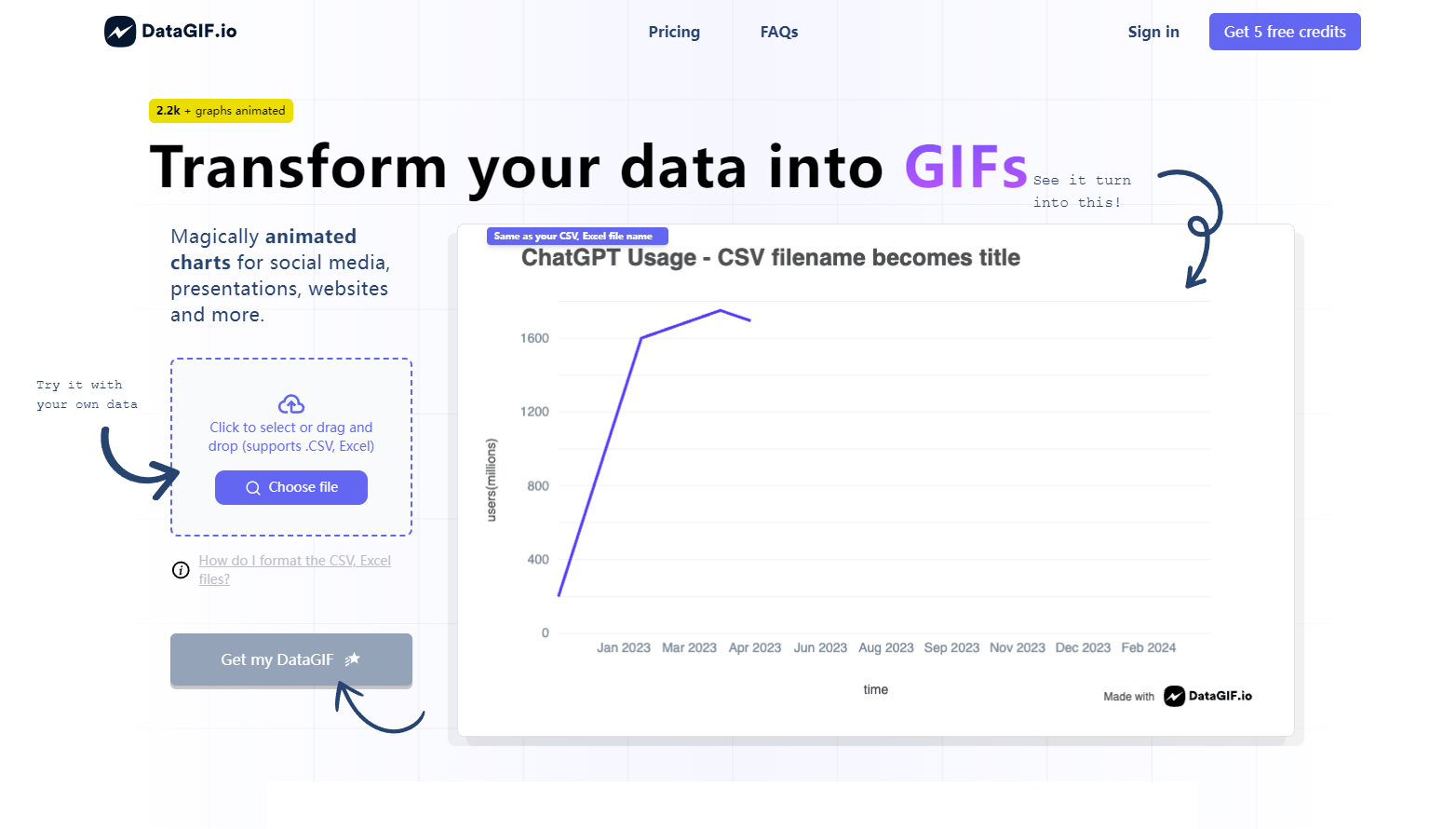
DataGIF is an AI-powered animated chart generator that transforms your data into captivating GIFs. Perfect for social media, websites, and presentations, DataGIF allows seamless integration of CSV or Excel files to create professional-looking animated graphs without any design skills. With rich customization options and easy sharing capabilities, DataGIF is your go-to tool for engaging your audience with data.
Key Features:
📊 Seamless Data Import: Easily import your data from CSV, Excel, or Google Sheets.
Supports various file formats for quick and hassle-free data integration.
🎨 Rich Customization: Customize chart sizes, colors, fonts, and more to match your style.
Numerous options to tailor the look and feel of your animated charts.
🌐 Flexible Sharing: Share your DataGIFs directly to social media or embed them into websites.
Export options include high-resolution images, direct URL sharing, and embed codes.
Use Cases:
📈 Social Media Engagement: Create scroll-stopping content that showcases your data in an engaging format.
🌐 Website Enhancement: Enhance your web pages with dynamic data visualizations to keep visitors interested.
🎙️ Presentation Impact: Make your presentations stand out with animated graphs that simplify complex data.
Conclusion:
DataGIF transforms the way you present data by making it visually appealing and easy to understand. With professional graphs at your fingertips and the ability to captivate any audience across multiple platforms, consider DataGIF to elevate your data storytelling today.
FAQs:
Q: How do I format the CSV, Excel files for use with DataGIF?
A: Your file should contain two columns with headers: one for X (dates, numbers, strings) and one for Y (numbers or strings).
Q: What can I customize in my DataGIF charts?
A: You can customize chart sizes, colors, fonts, animation speed, and more in the chart editor.
Q: Where can I use the DataGIFs I create?
A: DataGIFs can be used on social media, embedded in websites, or included in presentations and other digital content.
More information on DataGIF
Launched
2024-08
Pricing Model
Paid
Starting Price
$10.00
Global Rank
8365871
Follow
Month Visit
<5k
Tech used
Top 5 Countries
100%
United States (100%)
Traffic Sources
9.04%
12.43%
35.08%
41.55%
social (9.04%)
paidReferrals (0.9%)
mail (0.19%)
referrals (12.43%)
search (35.08%)
direct (41.55%)
Source: Similarweb (Jun 2, 2025)
DataGIF was manually vetted by our editorial team and was first featured on 2024-10-06.
DataGIF Alternatives
DataGIF Alternatives-

Graphy's AI transforms messy data into professional, insightful graphs in seconds. Create clear, presentation-ready visuals for faster decisions & powerful communication.
-

AI Graph Maker simplifies data viz. Create stunning graphs in clicks with AI. Responsive, customizable, multi-format export. Ideal for pros & beginners.
-

Turn your data into stunning, professional charts in seconds. Just upload your data, describe what you need, and watch the magic happen.
-

Transform your boring statistics into captivating visuals with AnimStats. Create animated GIFs and videos in minutes. Boost engagement now!
-

Create compelling infographics in minutes! Visual Infograph AI Dash uses AI to transform your data. Perfect for reports, presentations & marketing.