

Click outside to close
What is Dropgala?
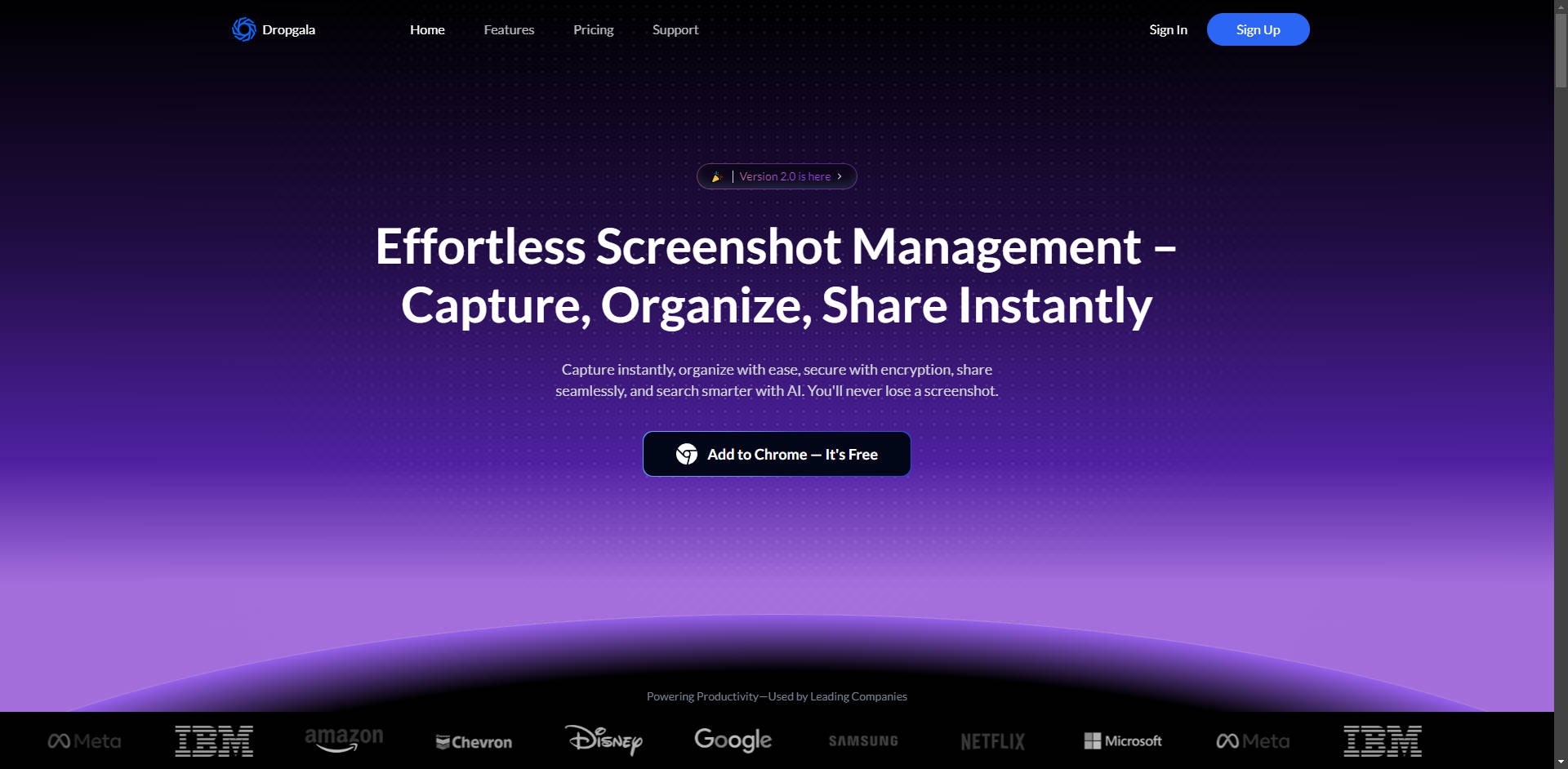
Managing screenshots often means cluttered desktops and lost information. Finding that specific visual weeks later can be a frustrating time sink, disrupting your workflow whether you're collaborating with a team, documenting a process, or saving inspiration.
Dropgala changes that. As an AI-powered screenshot manager built for Chrome, it provides a central, organized hub for all your captures. It lets you instantly grab what you need, categorize it intelligently, and retrieve any screenshot in seconds – ensuring important visual information is always within reach and ready to use. Forget digging through folders; Dropgala brings smart search and effortless organization directly to your browser.
Key Features
🖱️ Capture Instantly: Grab screenshots with a single click via the Chrome extension, saving them directly to your organized library without interrupting your flow.
📂 Organize Intelligently: Arrange screenshots using folders and tags. Let Dropgala's AI assist with recognizing text and context, making future searches faster and more intuitive.
🔒 Secure Your Visuals: Keep your information private with end-to-end encryption for all stored screenshots. You can also add optional password protection to specific captures containing sensitive data.
💬 Collaborate Effectively: Share individual screenshots or entire folders using secure links. Add comments and annotations directly on the image, allowing for clear feedback and real-time teamwork within shared workspaces.
✏️ Annotate and Highlight: Easily add text, arrows, shapes, or highlights to your screenshots. This helps you emphasize key details or clarify instructions before sharing.
🔍 Search Everything: Find any screenshot in seconds. Search not just by folder or tag, but also by the actual text within the image, thanks to integrated Optical Character Recognition (OCR) and AI-powered search.
🤖 Leverage AI Capabilities: Automatically extract text from images (OCR) for easy copying or searching. Get quick AI-generated summaries of screenshot content to understand context at a glance.
👥 Utilize Team Workspaces: Create dedicated spaces for projects or teams. Invite members, manage permissions, and keep all relevant visual assets organized and accessible in one shared location.
Use Cases
Streamlining Design Feedback: You're a UX designer sharing interface mockups. Instead of juggling email attachments, you capture screens with Dropgala, organize them into a "Project Alpha UI" folder, annotate specific elements needing changes (like button placement or color), and share the folder link with your product manager and developers. They add comments directly onto the screenshots within Dropgala, keeping all feedback centralized, contextual, and actionable.
Documenting Technical Solutions: As a support specialist, you're guiding a user through a complex software setup. You capture each step using Dropgala, use the annotation tools to highlight crucial settings or buttons, and organize these into a "Software Setup Guide" folder. You can then easily share a link to a specific screenshot or the entire sequence with the user, or add it to your internal knowledge base for colleagues to reference later.
Compiling Research Effortlessly: While researching competitors online, you find valuable charts, feature comparisons, and customer testimonials across various websites and reports. You use Dropgala's one-click capture for each relevant visual snippet, tagging them with "Competitor Research." Later, when preparing a presentation, you need the chart showing "Q3 market share." You simply search "Q3 market share" in Dropgala – its AI search finds the exact screenshot containing that text, even if you forgot which website it came from.
Conclusion
Dropgala offers more than just screenshot storage; it provides a smarter, more secure way to manage your visual information. With its instant capture, intelligent organization aided by AI, powerful text-based search, robust security options, and seamless collaboration features, you can finally stop losing track of important screenshots. Integrate Dropgala into your workflow to save time, improve clarity in communication, and keep your visual assets readily accessible when you need them most.
More information on Dropgala
Launched
2021-01
Pricing Model
Free Trial
Starting Price
$4.99/month
Global Rank
Follow
Month Visit
<5k
Tech used
Dropgala was manually vetted by our editorial team and was first featured on 2025-03-29.
Dropgala Alternatives
Dropgala Alternatives-

Shotup AI learns and remembers your screenshots. Do you have forgotten screenshots buried deep in your photo album? Shotup AI learns and remembers your screenshots. It understands the context—posts, articles, shopping items—and answers anything about them.
-

Picture Picker: AI-powered Chrome extension for effortless image collection, categorization & retrieval. One-click save, auto-organize, color palette gen, natural language search. Ideal for designers, illustrators & product managers. Streamline your visual asset management.
-
ScreenshotAI: Organize, analyze, and tag screenshots effortlessly. Turn them into intelligent notes. Find info, generate insights, ask questions, and collaborate.
-
Discover Organiser, your AI-powered photo and screenshot management tool. Effortlessly locate any image or screenshot with AI search, ensuring data security and privacy.
-

SaveDay: Your AI knowledge manager. Effortlessly capture, summarize, and instantly find any online content. Build a powerful personal knowledge base.