
Click outside to close
What is Pane?
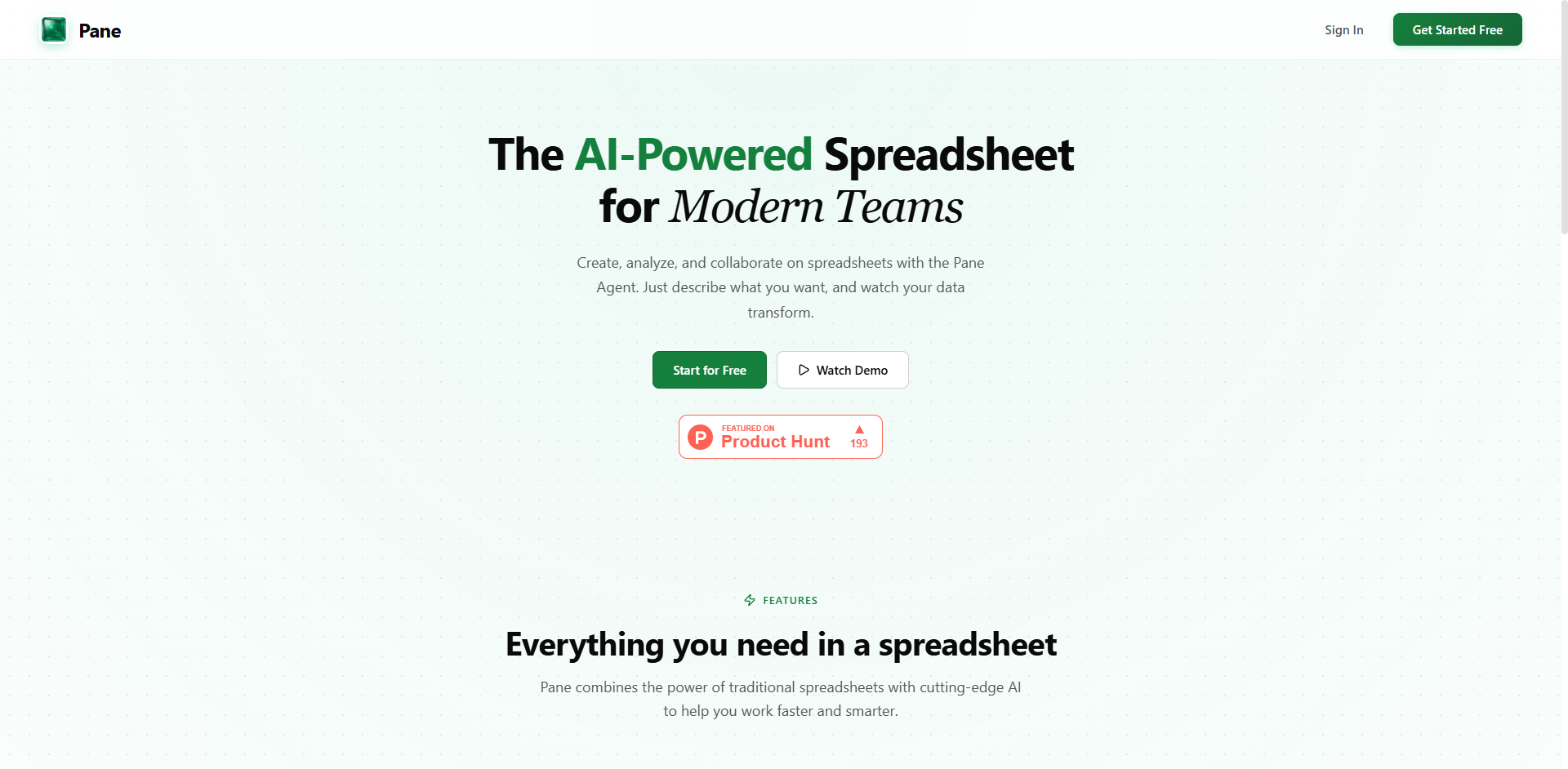
Traditional spreadsheets often require manual data entry and complex formula memorization that can slow your team down. Pane reimagines the spreadsheet experience by integrating an AI agent directly into the workflow, allowing you to manage data through conversation rather than just cell coordinates.
Whether you are a financial analyst or a project manager, Pane helps you bridge the gap between raw data and actionable insights. By combining a familiar grid interface with natural language processing, it enables you to perform sophisticated data transformations without needing to be an Excel expert.
Key Features
- 🤖 Conversational Pane Agent: Interact with your data using natural language commands. You can ask the agent to sort, filter, or calculate specific subsets of information, which eliminates the need to manually build complex nested filters or temporary helper columns.
- 📊 Auto-Generated Dashboards: Transform rows of data into professional visual reports instantly. The Pane Agent identifies key metrics and relevant trends to build a dashboard for you, saving the time typically spent on manual chart alignment and data sourcing.
- 📈 Interactive & Flexible Visualizations: Create bar, line, pie, and scatter charts that go beyond static images. You can drag to reposition and resize these elements anywhere on your sheet, allowing you to build a custom workspace that prioritizes the most important information.
- 📄 Universal Smart Import: Move data into your workspace from CSV, Excel, or PDF files. The smart parsing engine handles various file sizes and structures, specifically solving the common headache of extracting clean data from static PDF reports.
- ⚡ HyperFormula Engine: Maintain full control with a powerful calculation core that supports hundreds of standard functions like VLOOKUP, SUM, and AVERAGE. This ensures that while you use AI for speed, your underlying logic remains compatible with industry-standard spreadsheet practices.
Use Cases
- Financial Report Consolidation: Import a PDF bank statement or an Excel budget, and ask the Pane Agent to "Categorize all transactions over $500 and create a pie chart of spending by department."
- Marketing Campaign Analysis: Upload a CSV export from your ad platform and use natural language to "Compare the click-through rates of all campaigns from last month and highlight the top three performers in green."
- Inventory Management: Maintain a cloud-synced master list where you can ask the agent to "Find all items with less than 10 units in stock and calculate the total cost to restock them to 50 units."
Why Choose Pane?
Pane distinguishes itself by being AI-native rather than simply adding an AI "sidebar" to a legacy product. While traditional tools require you to know the exact syntax for a formula before you can see a result, Pane allows you to describe the outcome you want.
The inclusion of a PDF parser is a significant functional advantage, as it removes the manual transcription step that usually precedes data analysis. Additionally, the ability to freely move charts across the grid allows you to treat your spreadsheet as a flexible canvas rather than a rigid set of cells, making it easier to present your findings to stakeholders.
Conclusion
Pane shifts the focus of spreadsheet work from "how to build the tool" to "how to understand the data." By automating the tedious aspects of formatting, filtering, and chart creation, it empowers your team to spend more time on strategy and less time on syntax. As you move your workflows into this AI-enhanced environment, you will find that your data becomes more accessible and your insights more immediate.
More information on Pane
Launched
Pricing Model
Freemium
Starting Price
Global Rank
Follow
Month Visit
<5k
Pane was manually vetted by our editorial team and was first featured on 2026-01-12.