

Click outside to close
What is Siit?
Dealing with IT support requests can often feel like navigating a maze – clunky email chains, manual follow-ups, and tools that seem designed for a different era. If you're an IT team supporting a growing company, you know the pressure of keeping employees productive while juggling an ever-increasing number of requests. Siit is designed to lift that burden, offering a clear, collaborative, and intelligent way to manage IT service requests, directly within Slack or Microsoft Teams. Imagine less time spent on tedious administrative tasks and more time focused on solving complex challenges and supporting your colleagues effectively.
Key Features to Simplify Your IT World
Siit brings a suite of capabilities designed to streamline your IT operations and improve the support experience for everyone:
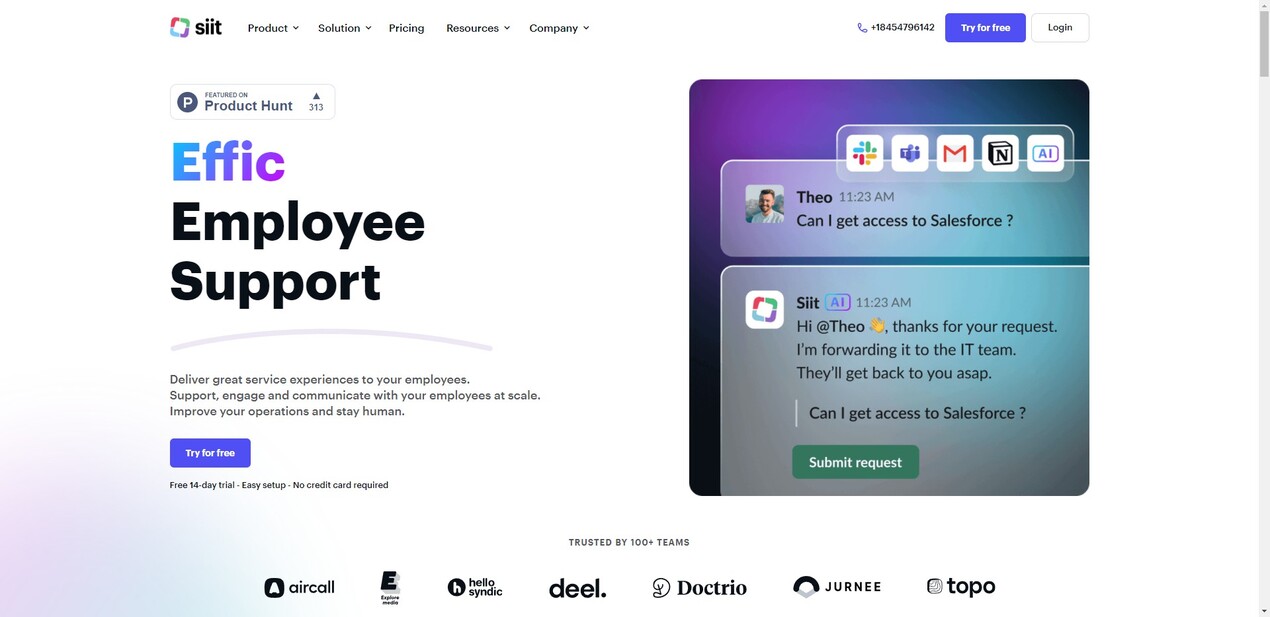
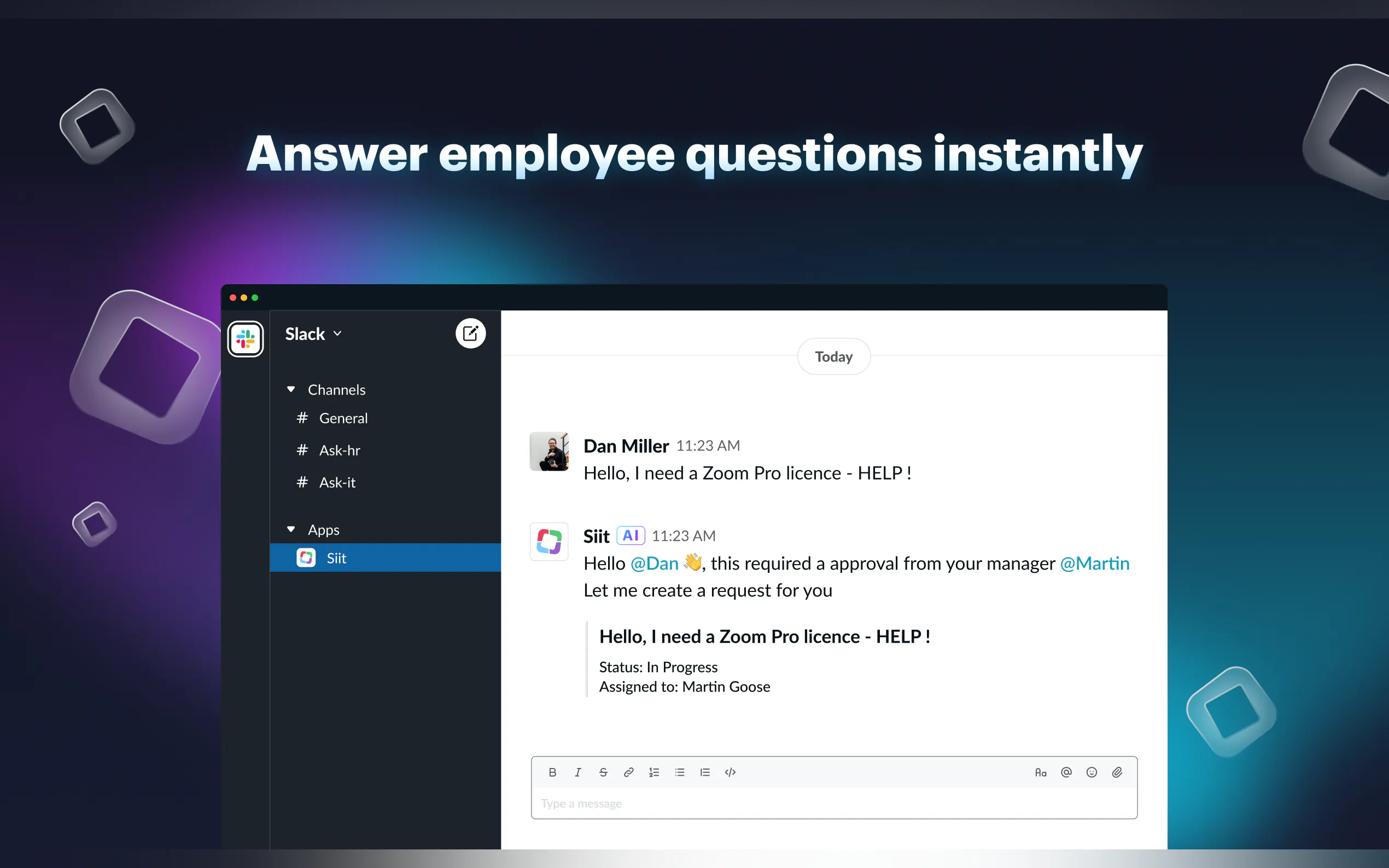
💬 Manage Requests in Slack or Teams: Handle all service requests directly within the communication platforms your teams use every day. No more switching between clunky portals or sifting through endless email threads.
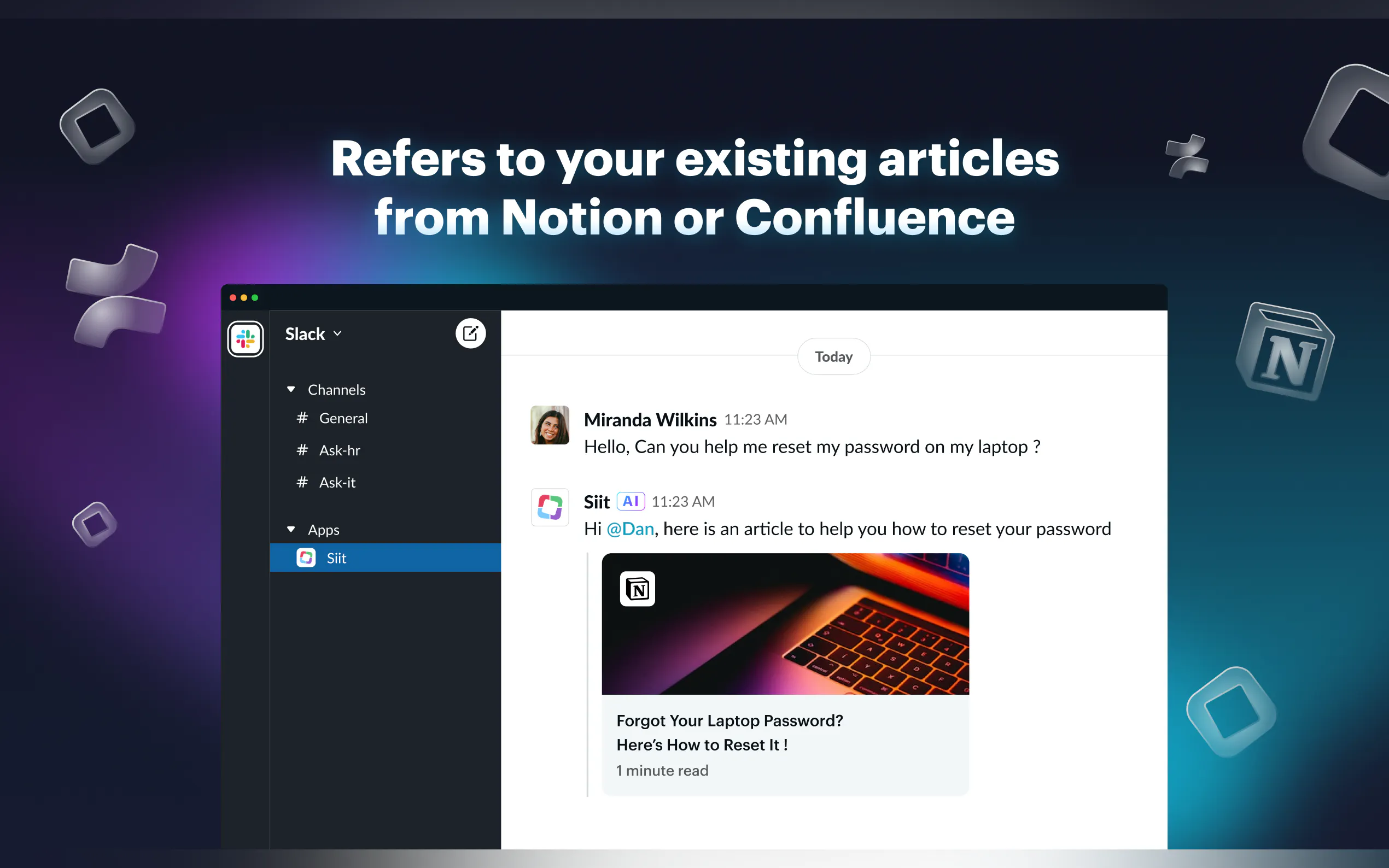
🤖 Let AI Handle Level 1 Requests: Deploy intelligent AI agents that engage employees in natural conversation to resolve common, low-level issues. If human help is needed, the request is seamlessly routed to the right person.
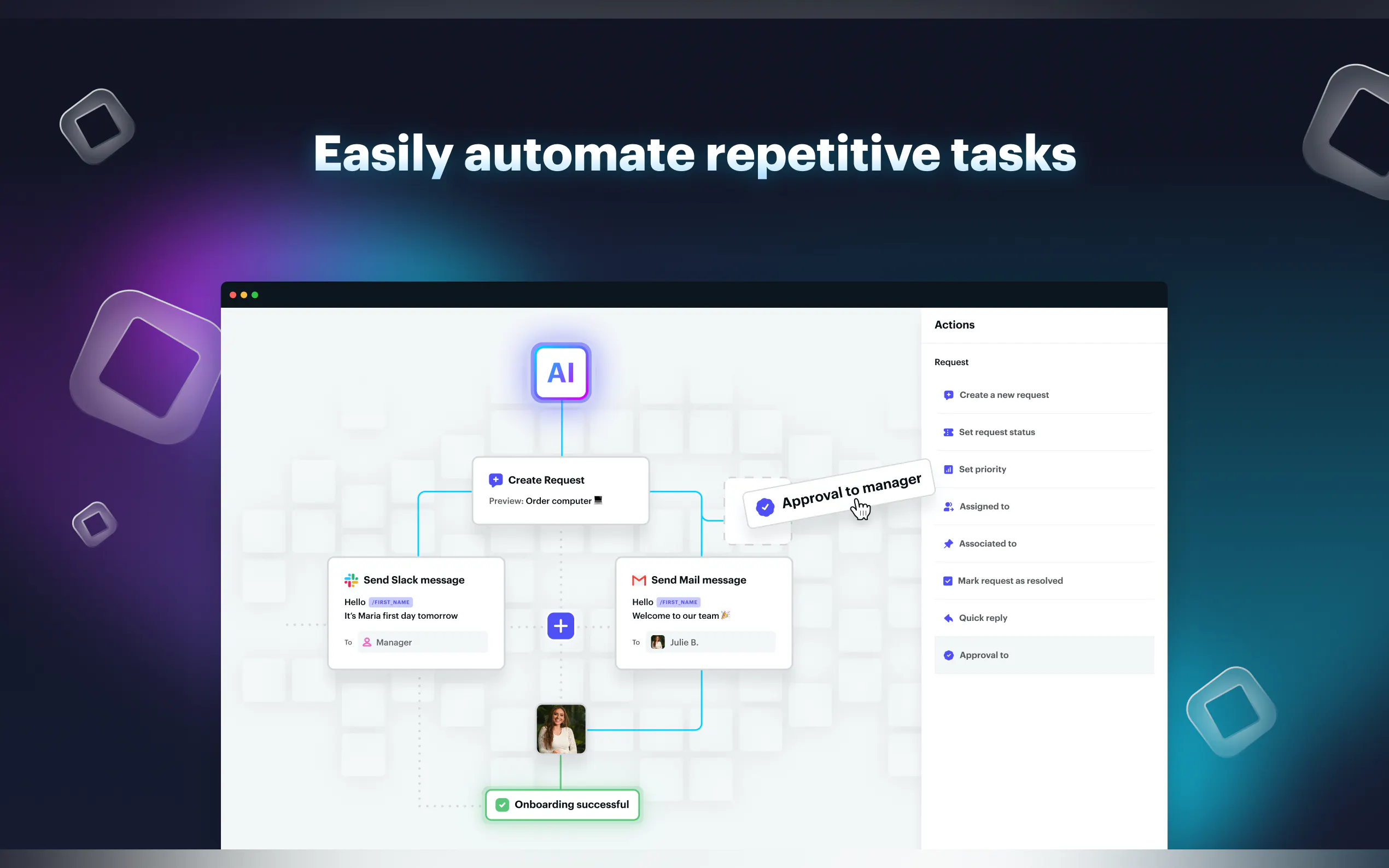
⚙️ Automate Routine Service Requests: Set up zero-touch workflows that connect to your company directory to automate tasks like hardware provisioning or application access, complete with automatic updates.
🔐 Collaborate Securely Across Departments: Implement department-level permissions, allowing secure collaboration with teams like HR or Finance by giving them access only to the information they need.
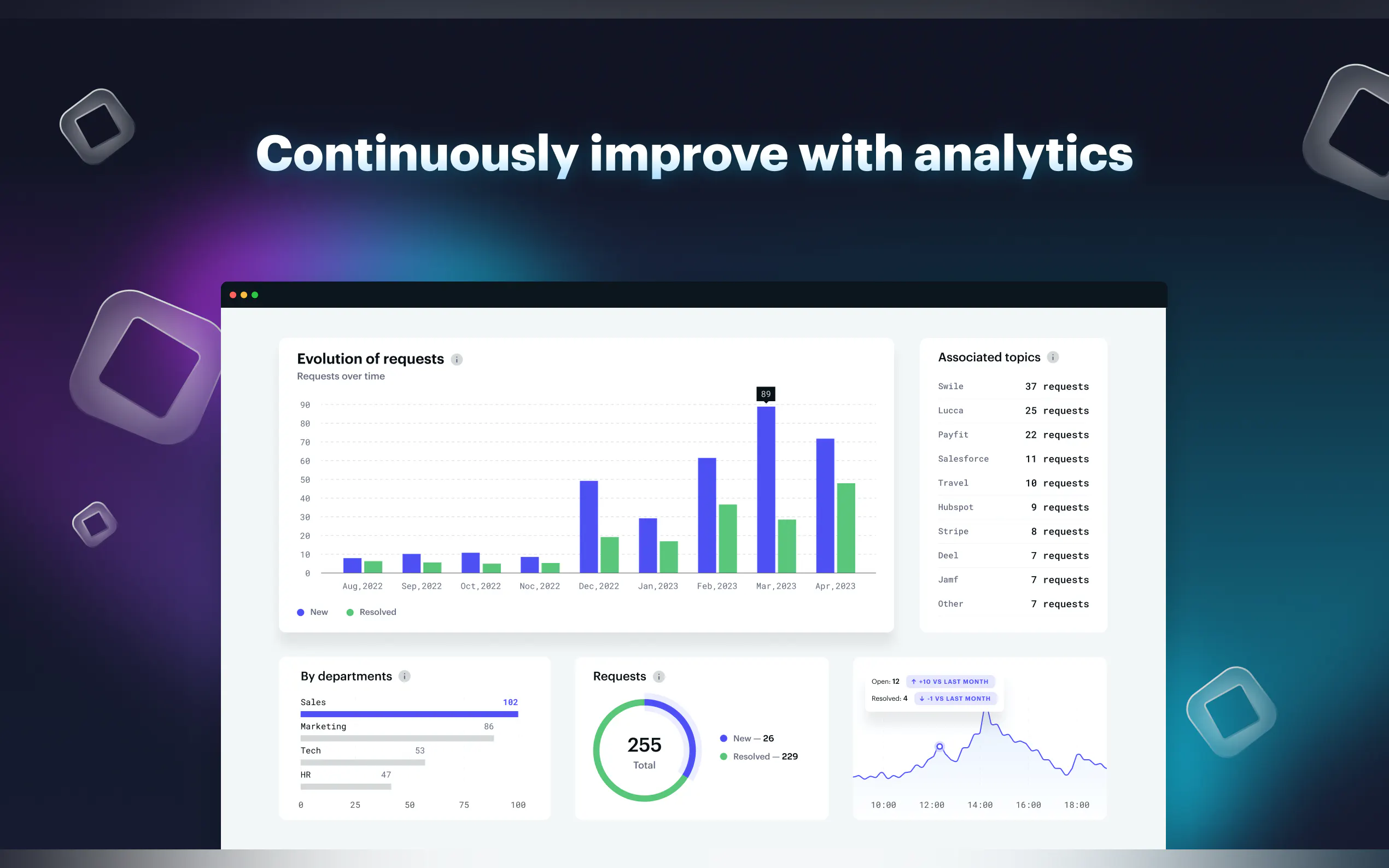
📊 Gain Full Visibility with a Centralized Dashboard: See and manage all requests from a single view, enriched with context from your HRIS and other integrated systems.
🛠️ Track Assets with a Built-in CMDB: Manage your organization's hardware and software assets efficiently from one central database.
📖 Define Services with a Clear Catalog: Create a structured service catalog, making it easy for employees to select the right service and provide all necessary information upfront.
🔌 Integrate Seamlessly with Your Existing Tools: Connect Siit instantly to essential platforms your teams already use, from HRIS to MDM solutions.
How Siit Works in Your Day-to-Day
Let's look at a few scenarios where Siit can make a tangible difference:
The Overwhelmed IT Helpdesk:
Problem: Your IT team is constantly bogged down answering the same basic questions: password resets, Wi-Fi troubleshooting, or printer issues. This leaves little time for more strategic IT projects.
Siit Solution: You deploy Siit's AI Agent. When an employee asks a common question in Slack, the AI Agent provides an instant answer from the knowledge base or guides them through troubleshooting steps. For example, if someone asks, "How do I connect to the new Wi-Fi?", the AI can provide the network name and password, or even link to a setup guide. This deflects a significant portion of Level 1 tickets, freeing up your human agents.
Onboarding a New Hire Smoothly:
Problem: Onboarding a new employee involves multiple requests: laptop setup, software licenses, access to shared drives, and HR system access. Tracking these manually across departments is time-consuming and prone to errors.
Siit Solution: You create an automated "New Hire Onboarding" workflow in Siit. When HR marks a new employee as "hired" in your HRIS, Siit automatically triggers tasks: IT gets a request to prepare a laptop (tracked in the CMDB), a request goes to Finance for software license approval, and access permissions are provisioned. The new hire (and their manager) receives updates directly in Teams. This ensures a consistent, efficient onboarding experience every time.
Urgent Software Access for a Critical Project:
Problem: A marketing team member urgently needs access to a specific analytics tool for a time-sensitive campaign. The request requires IT approval and potentially a license check with the Finance department. Emailing back and forth creates delays.
Siit Solution: The marketing employee submits a request for the software via the Siit service catalog in Slack. IT receives the request, and using Siit's department-level permissions, can quickly loop in a contact from Finance to confirm license availability directly within the request thread, all while keeping sensitive financial data separate. Once approved, IT grants access, and the system automatically updates the asset management records. The entire process is tracked, transparent, and much faster.
Why Choose Siit for Your IT Service Management?
Siit isn't just another ITSM tool; it's a shift towards a more intuitive, integrated, and intelligent way of managing internal support. By moving operations into Slack or Teams, leveraging AI for common issues, and automating routine tasks, you can:
Meet your SLAs: Consistently hit your internal service level agreements, even as your company grows, without needing to proportionally increase your IT team size.
Improve efficiency: Handle a greater volume of requests with your existing resources, allowing your team to scale support effectively.
Cut administrative work: Significantly reduce the time spent on repetitive, manual tasks, enabling your IT professionals to focus on more complex problem-solving and strategic initiatives.
Employees will appreciate the convenience of getting support in their preferred communication channels, and your IT team will value the streamlined workflows and reduced manual effort.
More information on Siit
Top 5 Countries
21.51%
13.8%
8.64%
8.16%
6.81%
United States (21.51%)
France (13.8%)
Germany (8.64%)
India (8.16%)
United Kingdom (6.81%)
Traffic Sources
6.35%
11.21%
45.29%
36.01%
social (6.35%)
paidReferrals (0.98%)
mail (0.13%)
referrals (11.21%)
search (45.29%)
direct (36.01%)
Source: Similarweb (Jan 3, 2026)
Siit was manually vetted by our editorial team and was first featured on 2023-05-31.
Siit Alternatives
Siit Alternatives-
Deploy no-code AI agents in Slack & Teams to resolve 75%+ of employee requests instantly. Free up your expert staff.
-

Slite: The AI knowledge base for teams. Get instant, trusted answers from your company's central source of truth. Stop searching, start asking.
-

Risotto, an AI co-pilot for Slack, boosts IT productivity by automating tasks, integrating systems, and learning for enhanced security and efficiency, saving time and money.
-

Train your own AI agents on your company data to instantly resolve 80% of support tickets. When humans are needed, handoff seamlessly with full context—giving your team superpowers.
-

Streamline AI: Centralize legal requests & automate workflows. Gain control, track matters, & boost efficiency in your in-house legal department.