

Click outside to close
What is Chorus ?
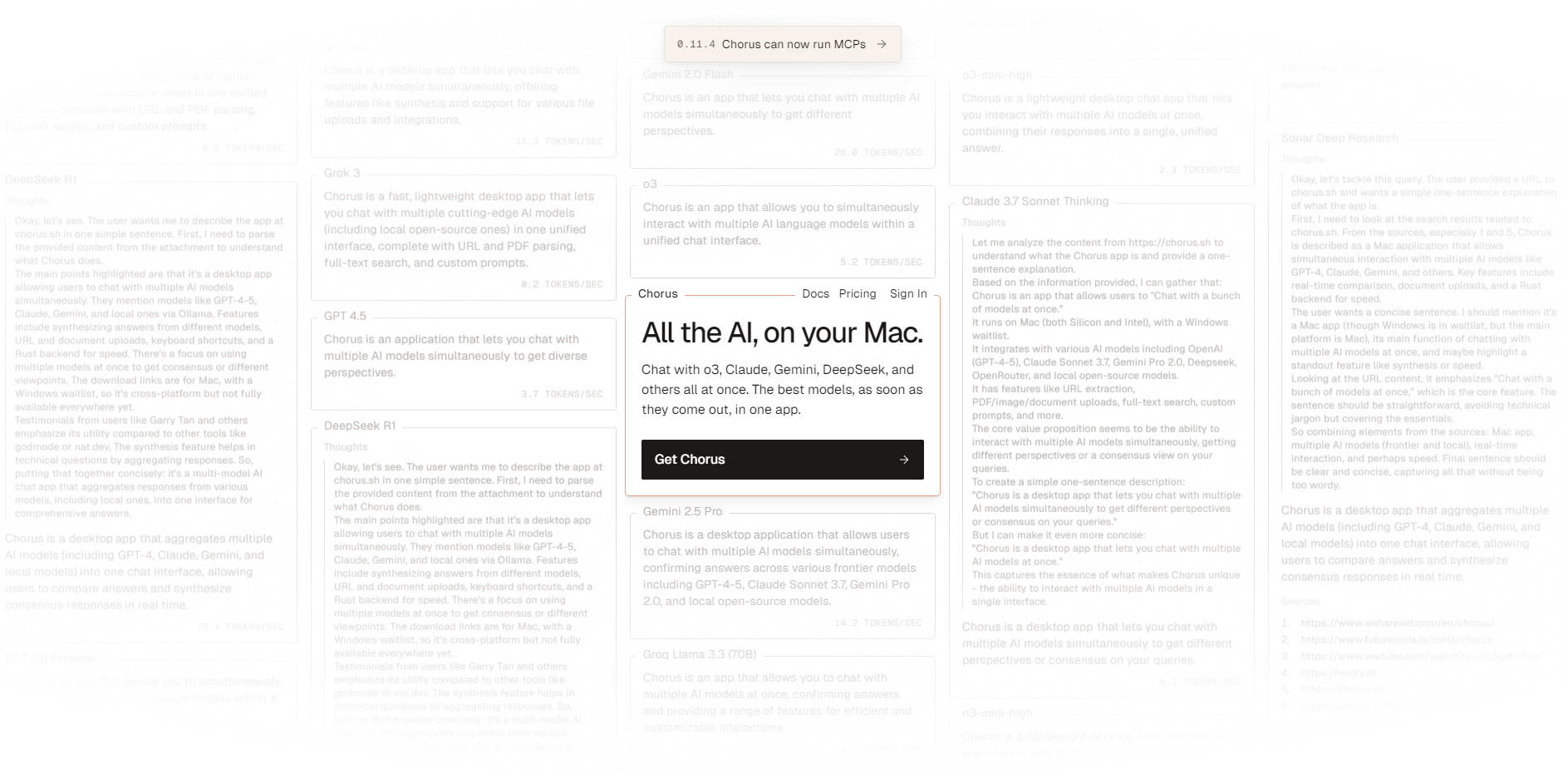
Chorus is the definitive native Mac application designed to centralize and elevate your entire AI workflow. It eliminates the friction of switching between disparate platforms like ChatGPT, Claude, and specialized tools by providing immediate, unified access to all the latest AI models in one high-performance environment. Professionals, researchers, and developers gain comprehensive context management, deep tool integration, and the unique ability to leverage multiple AI perspectives simultaneously, accelerating analysis and ensuring output quality.
Key Features
Chorus is engineered for power users who demand efficiency, deep context, and versatility from their AI interactions.
🤖 Simultaneous Multi-Model Responses
Select multiple AI models (such as Claude Opus, GPT 4.1, and Gemini 2.5 Pro) to respond to your prompt at the same time. This capability is crucial for immediate comparative analysis, allowing you to collect varied insights, spot inconsistencies or hallucinations instantly, and gain greater confidence in the generated output without sequential testing.
🧠 Deep Project Context and Memory
Organize complex workflows using Projects. You can define a persistent context field—including PDFs, images, or links—that is automatically added to every chat within that project. Furthermore, enable Project Memory to automatically extract and share key information from ongoing conversations, ensuring all future chats maintain an up-to-date, shared knowledge base.
🖥️ Ambient Chat with Vision Mode
Access the AI instantly from within any application using the configurable Ambient Chat shortcut (default: Option + Space). This non-disruptive feature allows you to get quick answers while working in other apps. When enabled, Vision Mode can include a screenshot of your current screen with every message, enabling precise, context-aware assistance without requiring you to switch windows.
🛠️ Extensive Tool and Attachment Integration
Empower your AI with access to integrated tools, including Web search, Terminal commands, Image Generation (via OpenAI’s gpt-image-1 model), and GitHub management. You can also seamlessly add attachments by dragging and dropping files—including PDFs, images, and text documents—or paste a link, and Chorus automatically reads the content to inform the AI's response.
🌐 Local and Custom Model Support
Go beyond standard cloud APIs by integrating local models running via Ollama or LMStudio directly into the Chorus interface. For advanced users and enterprise needs, Chorus supports custom tools via local or remote MCP (Multi-Cloud Platform) servers, allowing for tailored workflow automation and security.
Use Cases
Chorus maximizes productivity across various complex professional scenarios:
In-Depth Research and Comparative Analysis: Drop a complex research paper (PDF) into a project, then define the context as 'Critical Analysis.' Simultaneously query a powerful model (like Claude Opus) for deep insights and a lightweight model (like Gemini 2.5 Flash) for quick summaries. The side-by-side responses and persistent context save hours of manual cross-referencing.
Context-Aware Software Development: Start a 'Development' project, upload key architecture diagrams, and set the context detailing your stack (e.g., "Tauri 2.0 and Typescript front-end, Elixir Phoenix API"). The AI can then use the integrated Terminal and GitHub tools to diagnose code issues, manage repositories, and generate relevant code snippets based on the persistent project memory and context.
Fluid, Non-Disruptive Workflow: While reviewing a financial report in a spreadsheet, use Ambient Chat and Vision Mode to ask the AI high-level questions about a specific data set visible on your screen. The AI receives the visual context and provides an informed answer instantly, allowing you to maintain focus on the report without navigating away.
Unique Advantages of Chorus
Chorus is built from the ground up to solve the core challenges of modern AI usage, offering distinct functional benefits:
Native Mac Performance: As a dedicated native application, Chorus offers a highly responsive, fluid user experience that integrates seamlessly with macOS features, providing superior performance and stability compared to web-based interfaces.
Immediate Comparative Analysis: Chorus is uniquely designed to eliminate sequential testing. By allowing you to receive simultaneous responses from multiple models, you gain an instant, reliable mechanism for identifying the most robust answer and verifying facts across different AI architectures.
Isolated Context Management (Threads): Maintain clarity during complex, multi-layered conversations. Utilize Threads to ask precise follow-up questions or refine a specific model response within an isolated context, ensuring that these tweaks do not pollute the main chat's context and conversation flow remains accurate.
Unmatched Model Variety: Access 17 models across 6 different providers natively, integrate local models via Ollama and LMStudio, and connect to hundreds more through OpenRouter, all managed from a single interface.
Conclusion
Chorus transforms the fragmented world of AI into a single, cohesive, and powerful workflow environment on your Mac. By integrating advanced context management, deep tool access, and the efficiency of simultaneous model querying, it is the essential productivity layer for professionals serious about leveraging the full potential of modern LLMs.
More information on Chorus
Top 5 Countries
13.76%
7.75%
6.23%
5.23%
3.66%
United States (13.76%)
India (7.75%)
Russia (6.23%)
Indonesia (5.23%)
Brazil (3.66%)
Traffic Sources
20.25%
32.05%
17.66%
28.5%
social (20.25%)
paidReferrals (1.07%)
mail (0.13%)
referrals (32.05%)
search (17.66%)
direct (28.5%)
Source: Similarweb (Oct 22, 2025)
Chorus was manually vetted by our editorial team and was first featured on 2025-10-22.
Chorus Alternatives
Chorus Alternatives-

Chatly: Your all-in-one AI assistant. Access top models like GPT-4o & Gemini, analyze documents, create images, and summarize web content.
-

Enhanced ChatGPT Clone: Features OpenAI, GPT-4 Vision, Bing, Anthropic, OpenRouter, Google Gemini, AI model switching, message search, langchain, DALL-E-3, ChatGPT Plugins, OpenAI Functions, Secure Multi-User System, Presets, completely open-source for self-hosting.
-

RecurseChat for Mac: Private, offline AI chat with local LLMs & RAG. Seamlessly manage ChatGPT/Claude. Secure, zero-config, and powerful.
-

Streamline advanced AI workflows with ChatFrame. Unify multiple LLMs, secure proprietary data via local RAG, & render complex outputs on desktop.
-

Unified AI access for your team. Get the best answers from all leading models in one secure platform.