
Click outside to close
What is UniOCR?
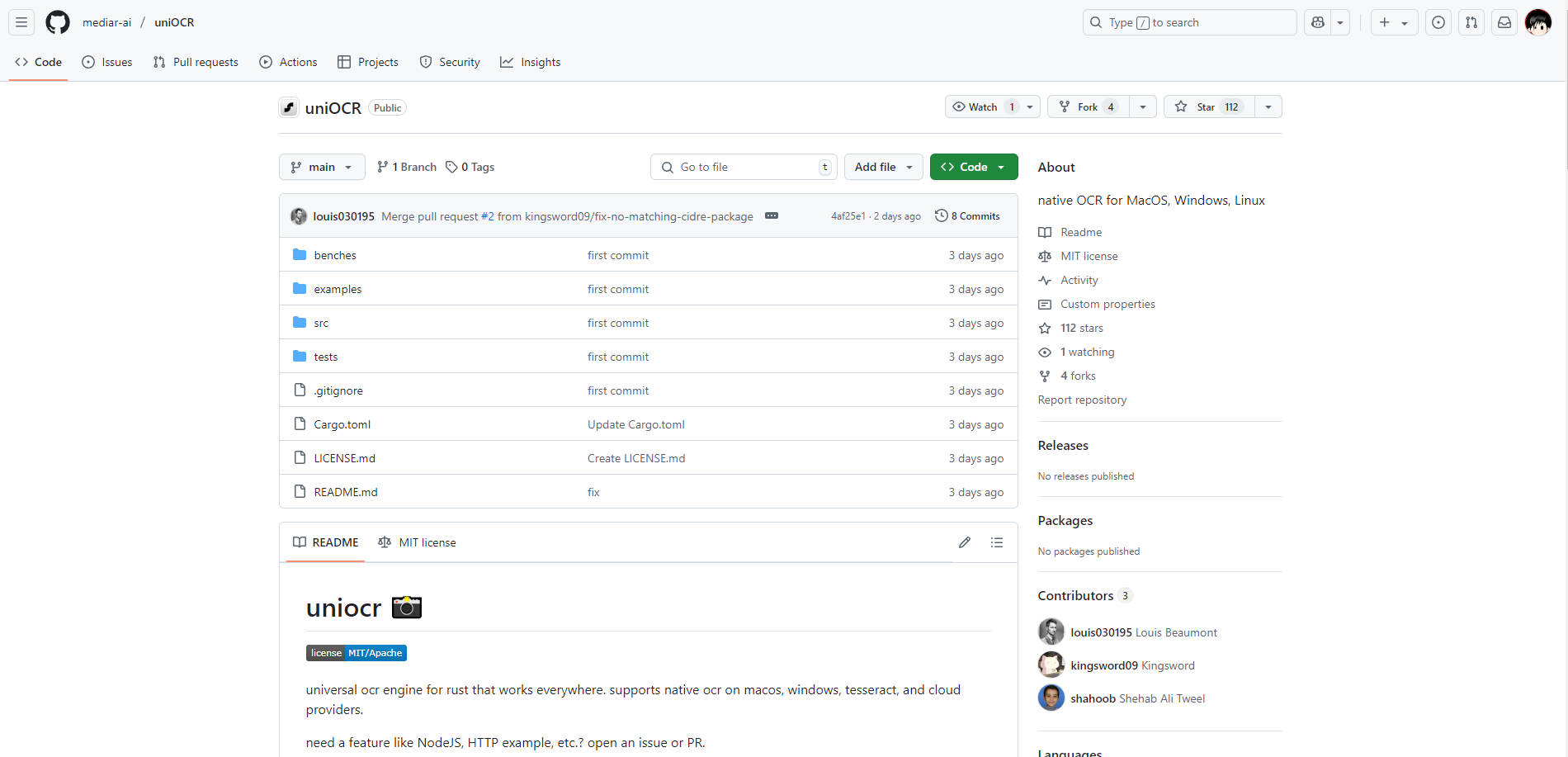
Integrating Optical Character Recognition (OCR) into your Rust applications often involves juggling platform-specific APIs or complex dependencies. uniocr simplifies this by providing a single, consistent interface to access various OCR engines, including native OS capabilities, Tesseract, and cloud providers. Build cross-platform applications with reliable text recognition, without the integration headaches.
uniocr is designed for Rust developers who need a flexible and performant OCR solution that works seamlessly across macOS, Windows, and Linux.
Key Features
⚙️ Unified API: Interact with diverse OCR backends (native, Tesseract, cloud) through one consistent Rust interface. Switch providers with minimal code changes.
🍎 Native macOS OCR: Leverages the built-in Vision Kit framework on macOS for efficient, dependency-free text recognition. No extra setup is needed.
🪟 Native Windows OCR: Utilizes the Windows OCR engine (Windows 10+) for optimal performance and integration on the Windows platform.
📚 Tesseract Integration: Offers full support for the popular open-source Tesseract engine, including custom models, language selection, and configuration options.
☁️ Cloud Provider Ready: Includes groundwork for integrating cloud-based OCR services (e.g., Google Cloud Vision - currently requires user implementation).
🚀 Performance Focused: Built with speed and efficiency in mind, featuring
async/awaitsupport, parallel processing capabilities for batch operations, and careful memory management.
Use Cases
Cross-Platform Desktop Application: You're building a Rust application using Tauri or egui that needs to extract text from screenshots or images provided by users on macOS and Windows.
uniocrautomatically selects the best native provider (Vision Kiton macOS,Windows OCRon Windows) viaOcrProvider::Auto, giving users the optimal experience without extra dependencies.Backend Document Processing Service: Your web service receives uploaded documents (images, PDFs converted to images) and needs to extract text for indexing or analysis on a Linux server. You can configure
uniocrto use a robust Tesseract instance, potentially with specialized language models, to handle the processing queue efficiently using its batch processing capabilities.Developer Tooling: You're creating a CLI tool for developers that analyzes images containing code snippets or error messages.
uniocrallows the tool to run locally on different operating systems, using native OCR where available for speed, or falling back to Tesseract if needed, all managed through the simpleOcrEngineinterface.
Conclusion
uniocr offers Rust developers a practical and efficient way to incorporate OCR functionality into their projects. By abstracting away the complexities of different OCR backends behind a unified, asynchronous API, it saves you development time and ensures your application can leverage the best available text recognition technology across multiple platforms. Its focus on native integrations and performance makes it a solid choice for demanding OCR tasks.
More information on UniOCR
Launched
Pricing Model
Free
Starting Price
Global Rank
Follow
Month Visit
<5k
UniOCR was manually vetted by our editorial team and was first featured on 2025-04-04.
UniOCR Alternatives
UniOCR Alternatives-
Tesseract OCR: Open-source, high-accuracy engine for developers. Extract text from images with advanced LSTM, 100+ languages & flexible APIs.
-
Unlock text from images globally! EasyOCR is a Python library for accurate multilingual OCR in 80+ languages & complex scripts. Simple, powerful, deep learning.
-

dots.ocr: Unified AI for accurate, fast, multilingual document parsing. Extract structured data from complex files, tables, & formulas with a single model.
-

Fast, open-source RolmOCR extracts text from images/PDFs quickly using Qwen2.5-VL-7B. Handles tilted docs.
-

DocsRouter is a unified API gateway that simplifies integrating distinct Optical Character Recognition (OCR) and Vision LLM providers into your applications.